СorelDRAW Tutorial: How to Create a Guilloche Rosette for a Diploma or Certificate
Автор: Green World
Загружено: 2025-09-04
Просмотров: 287
Описание:
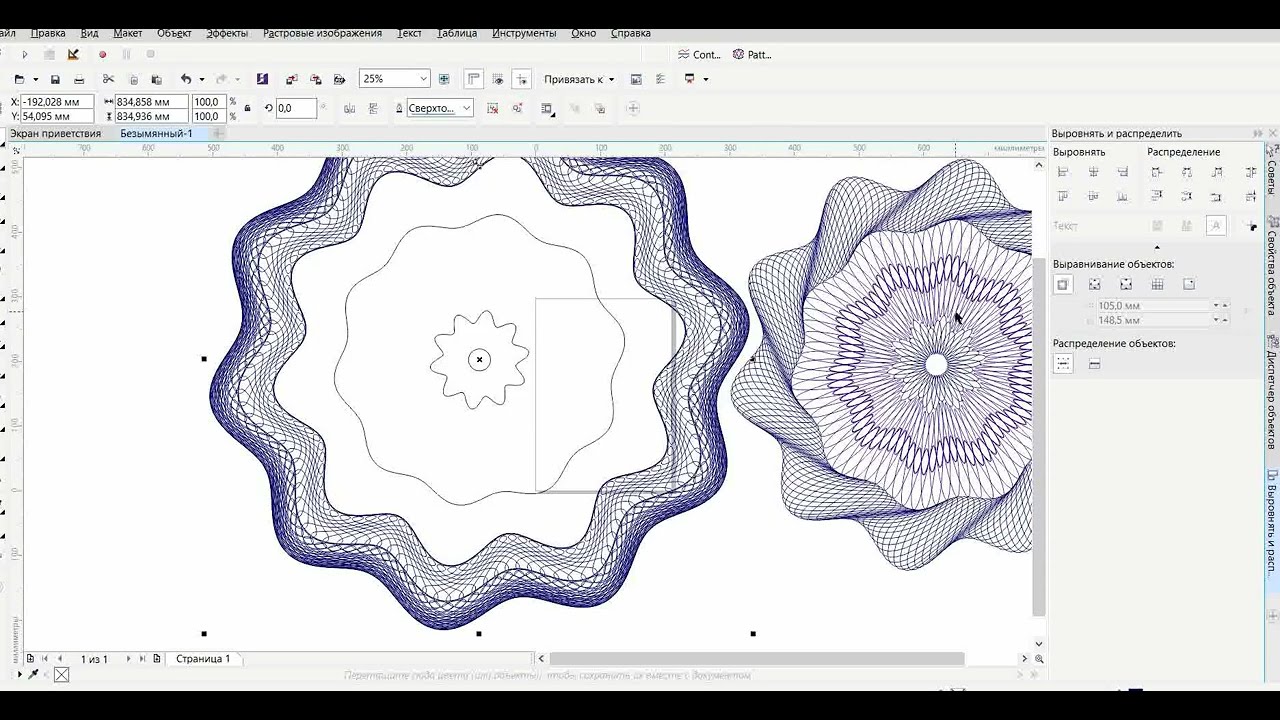
In this step-by-step CorelDRAW tutorial, you will learn how to design a professional guilloche rosette — a decorative security pattern often used in official documents such as diplomas, certificates, and awards. Guilloche patterns are also known as security designs or guilloché elements, and they add authenticity and elegance to printed materials.
This lesson will guide you through creating the rosette from scratch, adjusting curves, and exporting it for use in certificates or other official templates.
A watermark guilloche is a fine, decorative line pattern created from interlacing curves, often resembling a rosette or circular wave motif. It is widely used in graphic design, printing, and document security.
Description:
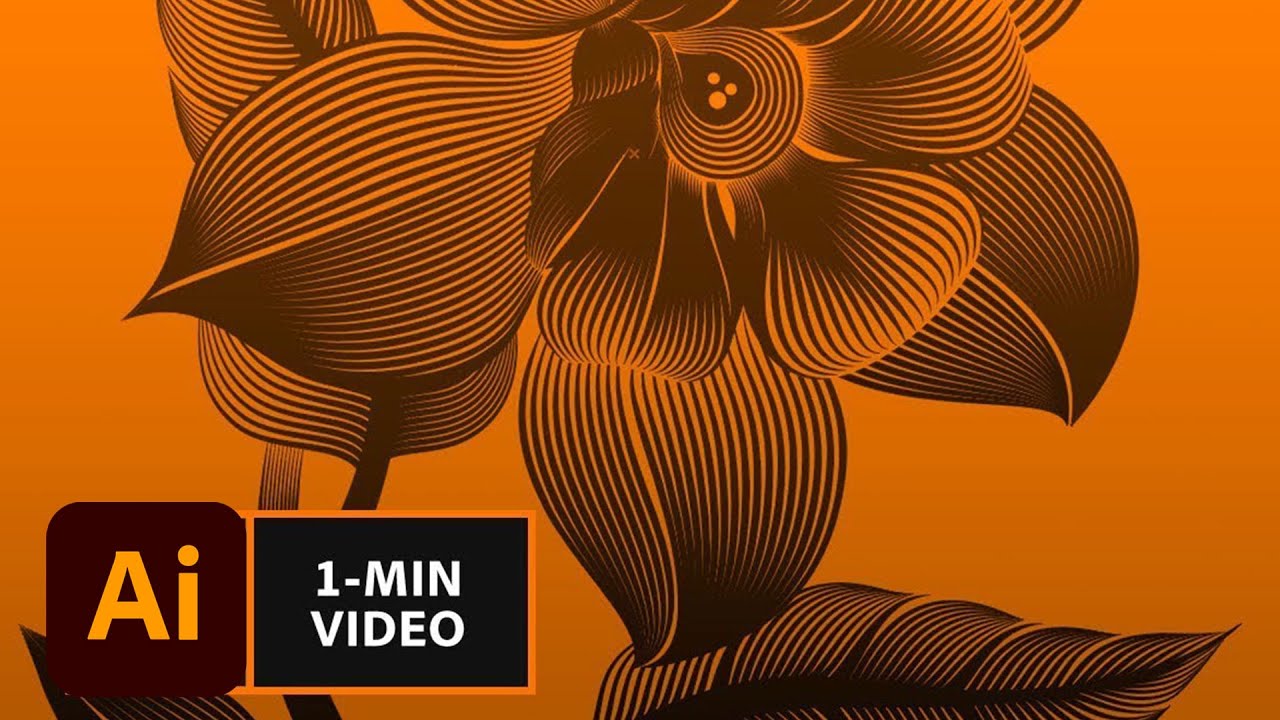
A guilloche watermark consists of precise, repetitive curves that form a symmetrical ornamental pattern.
Typically generated using mathematical formulas or vector drawing tools, it creates a lace-like design.
The pattern can be radial (rosette), spiral, or combined with multiple layers of interwoven lines.
Applications:
Security Printing – Used in diplomas, certificates, currency, passports, and official documents to prevent forgery.
Design Elements – Adds elegance to borders, seals, and backgrounds in graphic compositions.
Branding – Applied as a subtle watermark or background pattern for logos, packaging, and exclusive stationery.
Digital Graphics – Incorporated into vector illustrations and templates for professional visual effects.
Повторяем попытку...
Доступные форматы для скачивания:
Скачать видео
-
Информация по загрузке: