Datavideo NVS-25 Tutorial: How to Stream to YouTube Live and Record
Автор: Datavideo USA
Загружено: 2015-10-27
Просмотров: 48919
Описание:
Learn how to Stream to YouTube Live and Record using the Datavideo NVS-25 H.264 Video Streaming Encoder.
LEARN MORE ABOUT THE NVS-25
http://www.datavideo.com/us/product/N...
DOWNLOAD FREE STREAMING SERVER SOFTWARE (CDN)
http://www.datavideo.com/us/product/D...
SUBSCRIBE TO STAY UP TO DATE WITH NEW PRODUCT RELEASES AND SEE MORE OF OUR LIVE CONTENT
http://www.youtube.com/user/Datavideo...
CHECK OUT OUR LATEST VIDEOS
/ datavideousa
CONNECT WITH US!
►Visit our Website: http://www.datavideo.com/
►Facebook: / datavideousa
►Twitter: / datavideousa
►Instagram: / datavideo
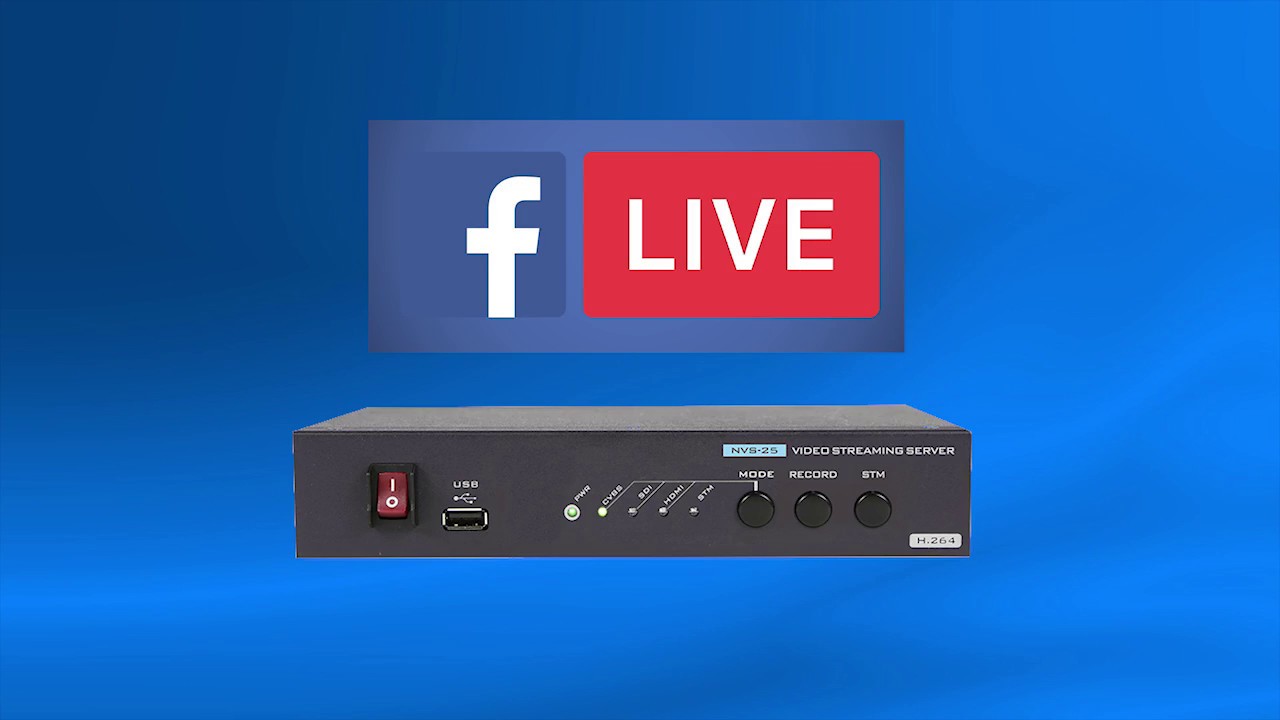
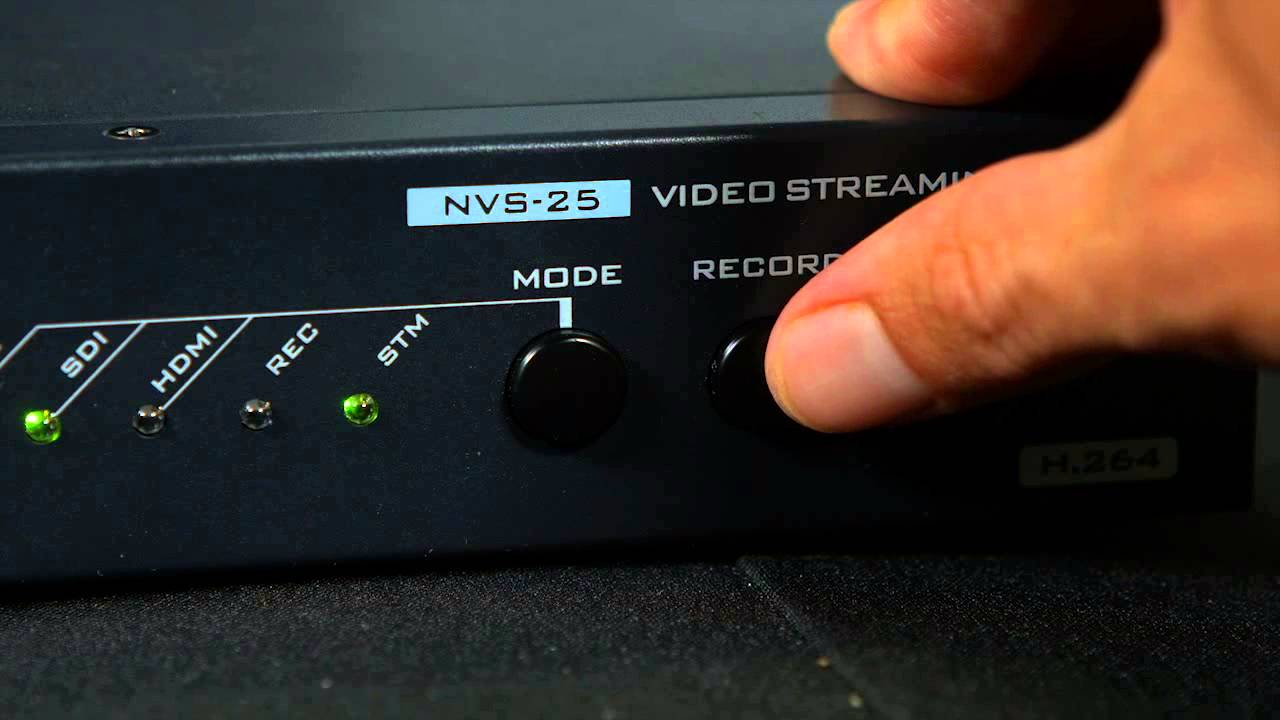
Tutorial for the the Datavideo NVS-25, a H.264 video streaming server that can stream and record simultaneously. The front panel buttons are great additional features that make the unit easy to use. By selecting the “record” button, you can encode a live video feed into an MP4 file on a USB external or thumb drive. Then, when you push the “stream” button, a live stream begins and sends the signal to an internet CDN or server. Once the IP address is set and saved, the NVS-25 is a complete standalone unit for encoding a live stream and recording MP4 to a USB device.
Professional inputs include HD-SDI, HDMI, XLR, and Composite. The NVS-25 generates an H.264 encoded stream that is compliant with RTSP, RTMP, and HLS protocols, and records a MP4 or .TS file to a USB or external device. Variable bit-rates can be selected for high quality recording or streams. It also supports de-interlace video streaming for progressive output, making it compatible to use with popular CDNs like YouTube. If you are looking for a reliable solution for encoding live video as well as an MP4 recorder, NVS-25 is the ideal solution.
Повторяем попытку...
Доступные форматы для скачивания:
Скачать видео
-
Информация по загрузке: