FlyElise Calibration Pro: 7 awesome tips for perfectly warping your simulator screen in X–Plane11
Автор: Alfred twinSim
Загружено: 2018-07-30
Просмотров: 11611
Описание:
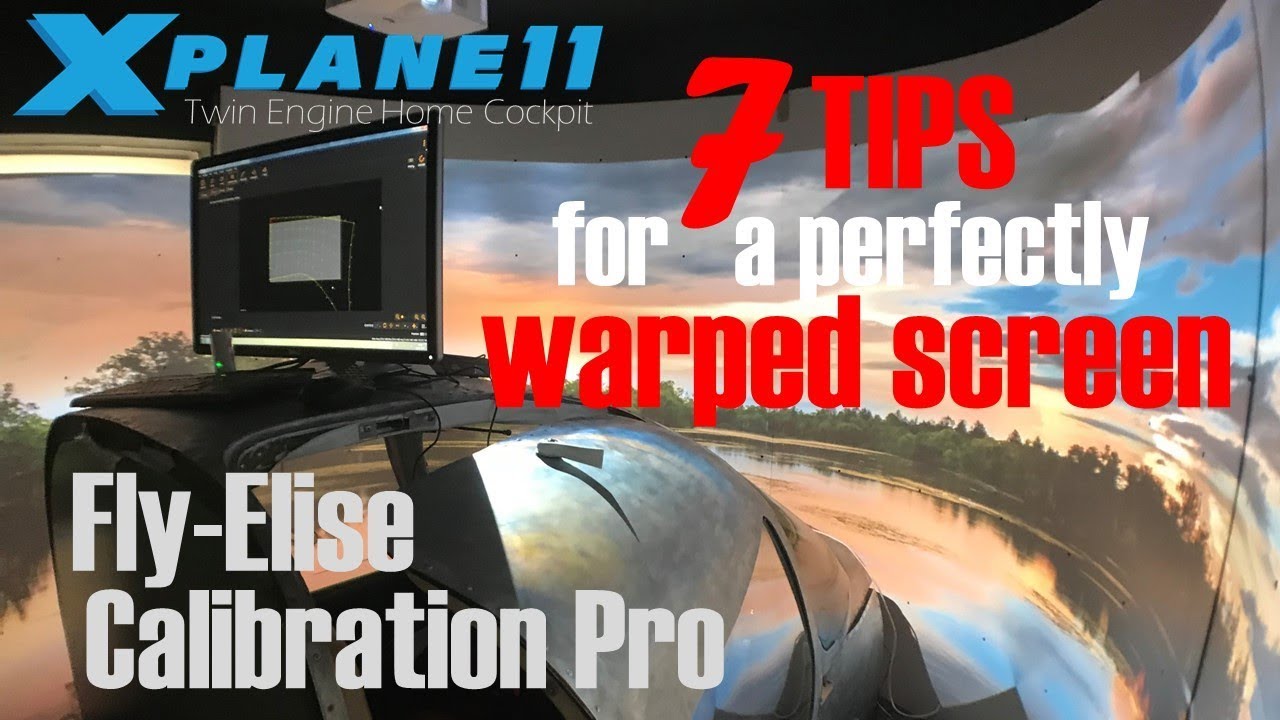
With the latest update of Calibration Pro from FlyElise things got way easier to perfectly warp and blend 3 projector images of my xp11 flight simulator to one seamless immersive superimage reaching 270 degrees FOV. It however did not work out for me from the beginning when I purchased this software about 2 years ago. I collected hints from fellow cockpit builders and added my own tips that finally helped to get the result I ever dreamed of.
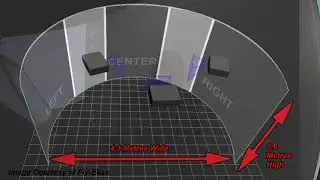
In my setup the diameter of the screen is 2.2m and the height 1.6m. The curved part is 180 degrees with two extendable side screens that cover door and window and give a horseshoe style screen when fully extended. The two pretty narrow curves into the horseshoe did pose huge difficulties to me since it is easier to just have a gentle 3 projector setup with one huge curved screen with a slight curve. I did by the way go for the NON–CAM calibration and reading the develper‘s manual is recommended to fully understand what I suggest in addition.
To complete the information: the screen is self made out of white bendable 4mm wood from the home improvement store and the 3 beamers are Optoma GT1070X ultra short distance.
Повторяем попытку...
Доступные форматы для скачивания:
Скачать видео
-
Информация по загрузке: