How To Add Text On Lock Screen Of Google Pixel 8 / Pixel 8 Pro
Автор: WebPro Education
Загружено: 2023-11-03
Просмотров: 2074
Описание:
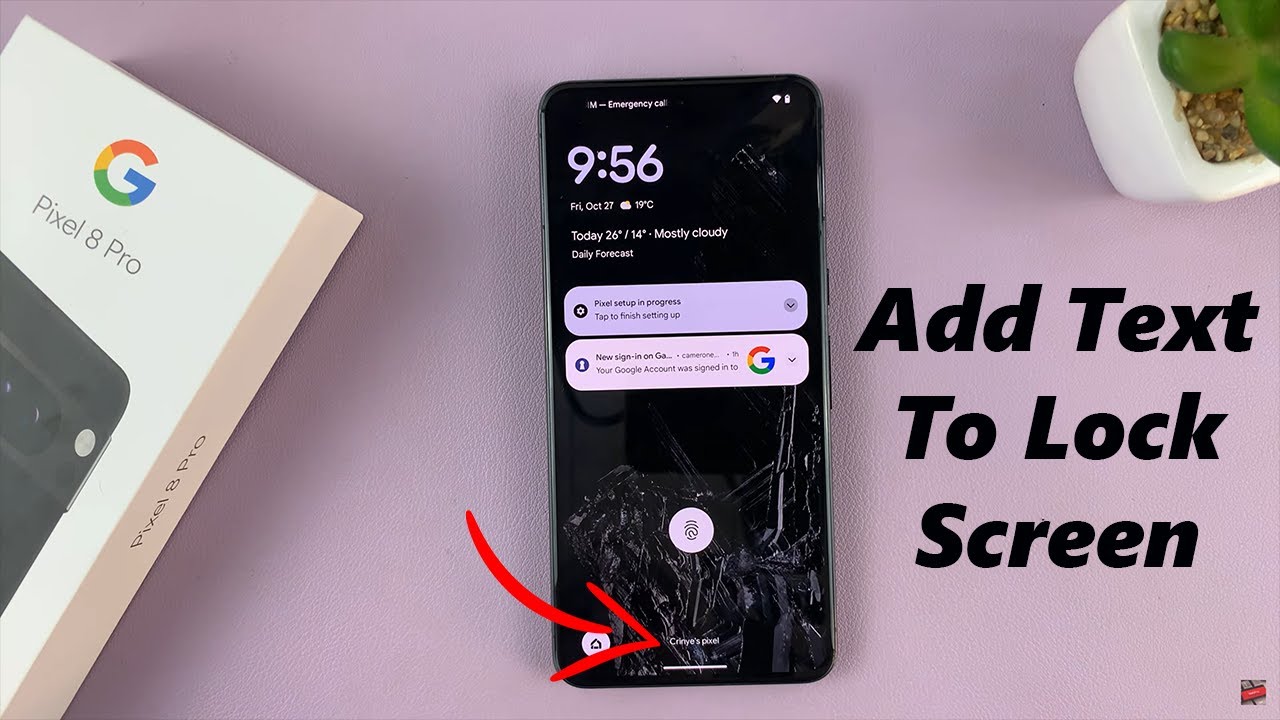
Learn How To Add Text On Lock Screen Of Google Pixel 8 & Pixel 8 Pro. Welcome to our latest tutorial on customizing your Google Pixel 8 and Pixel 8 Pro! In this video, we'll show you step-by-step how to add text to your lock screen, allowing you to personalize your device and display important information right at your fingertips.
Whether you want to display your contact information in case you misplace your phone or simply want to add a motivational quote to start your day, this tutorial has you covered.
How To Add Text On Lock Screen Of Google Pixel 8 & Pixel 8 Pro
1. Open the Settings ap. Scroll and select Display
2. Under Display, tap on Lock Screen. You should see the option Add Text On Lock Screen. Tap on it.
3. Enter in the text. Then tap on ok.
4. When you go to the lock screen and you should see the text on your lock screen.
Google Pixel 8 Pro: https://amzn.to/40c4wiG
Anker USB - C Chargers: https://amzn.to/3Pfx1rV
----My Gear for Youtube videos----
Main Camera (iPhone 13 pro): https://amzn.to/3GZztve
Tripod: https://amzn.to/35acqRa
Cell Phone Tripod Adapter: https://amzn.to/3v3wFuI
Lights: https://amzn.to/3vkoGK7
As full disclosure, I use affiliate links on this channel and purchasing through these links earns me a small commission. The price you pay will be the same!
Website: https://www.webproeducation.org
Facebook: / webproeducation.org
Twitter: / webpro_e
Instagram: / webproeducation
Повторяем попытку...
Доступные форматы для скачивания:
Скачать видео
-
Информация по загрузке: