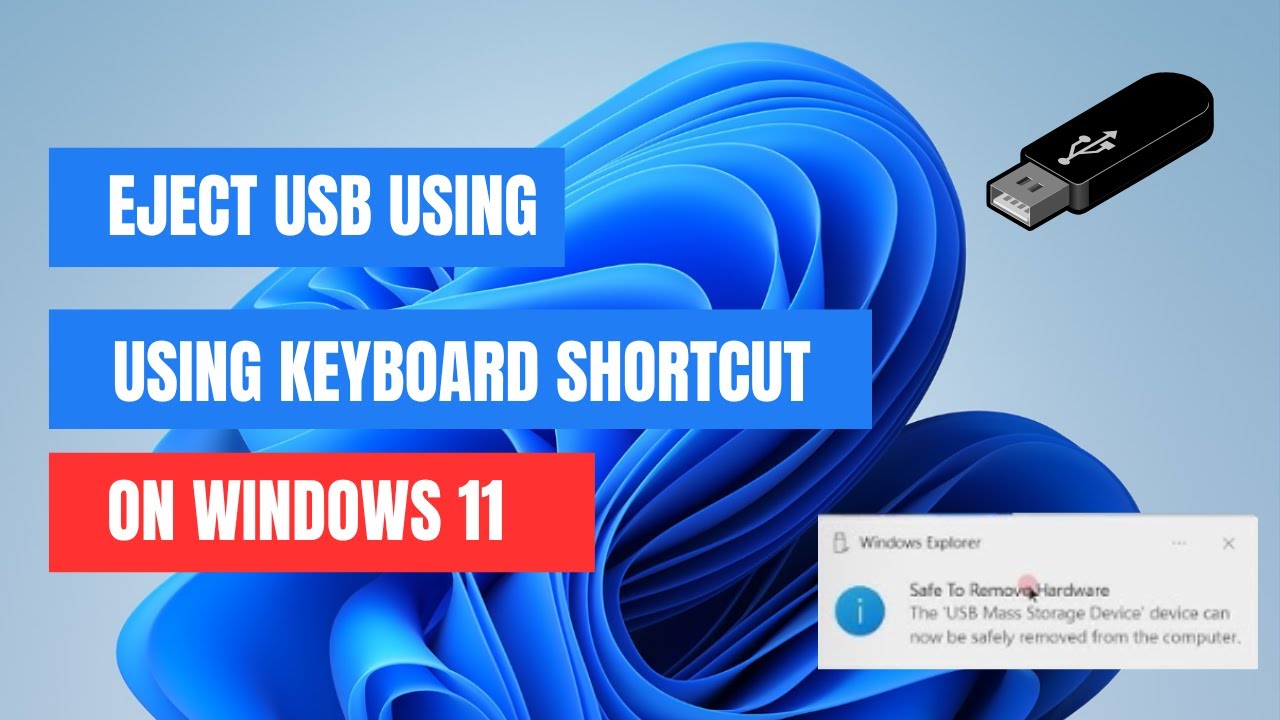
How to Eject USB Using Keyboard Shortcut on Windows 11
Автор: Zacs-World
Загружено: 2024-12-11
Просмотров: 613
Описание:
Learn how to safely eject your USB drive using a quick and easy keyboard shortcut in Windows 11! Forget searching through menus—this method will save you time and keep your data secure.
In this video, we’ll cover:
✅ Why safely ejecting USB drives is important.
✅ The step-by-step process for creating a keyboard shortcut.
Don’t forget to like 👍, subscribe 🔔, and comment 💬 if you found this video helpful! Share with friends who need this time-saving trick!
USB Disk Ejector
https://quickandeasysoftware.net/soft...
AutoHotKey
https://www.autohotkey.com/
================================================================
; Press Ctrl + Alt + E to eject USB
^!E::
{
Run('"C:\path\to\USB_Disk_Eject.exe" /removeletter DriveLetter:')
}
Повторяем попытку...
Доступные форматы для скачивания:
Скачать видео
-
Информация по загрузке: