Select Tool TUTORIAL - Toon Boom Harmony
Автор: LucasSaturn - Animation Tutorials
Загружено: 2022-01-08
Просмотров: 4740
Описание:
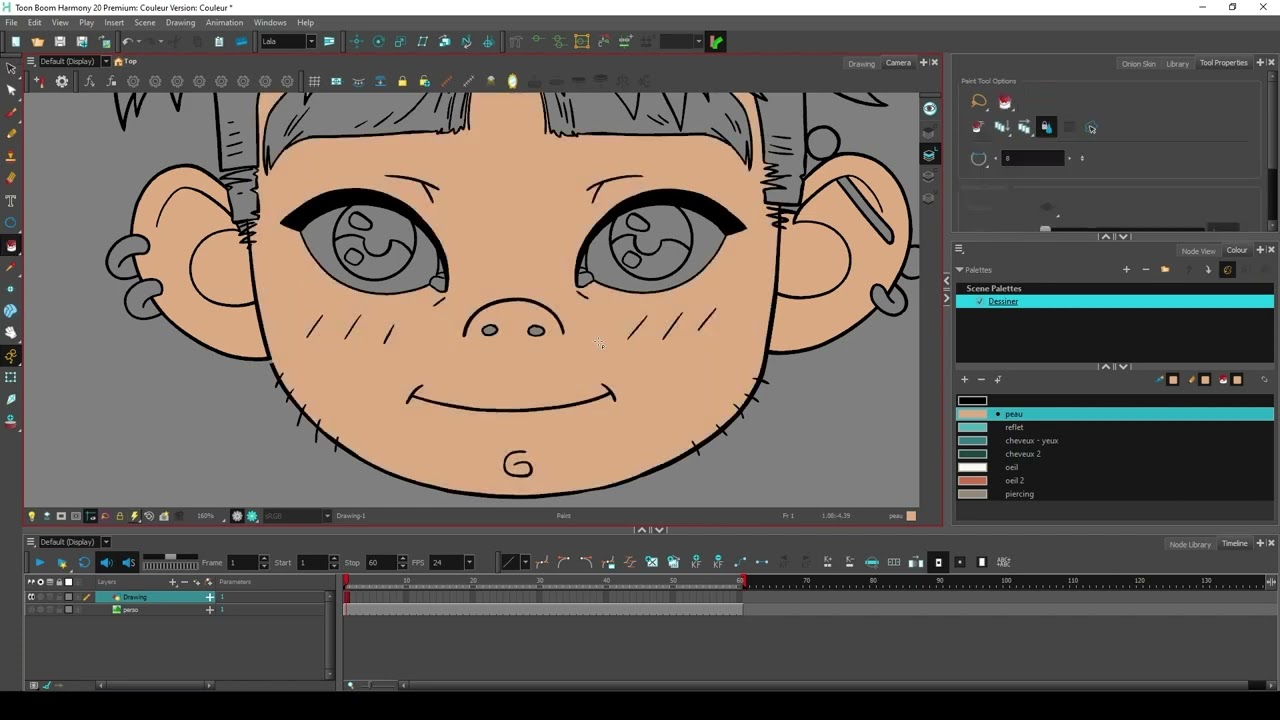
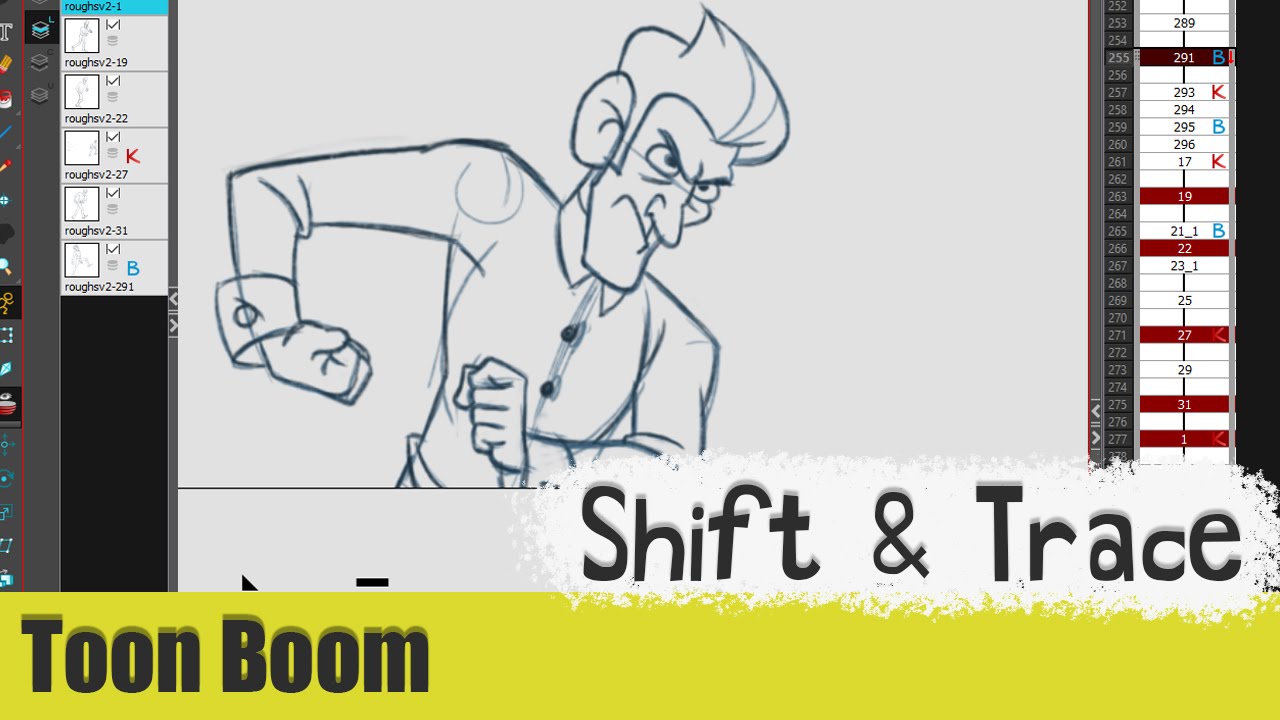
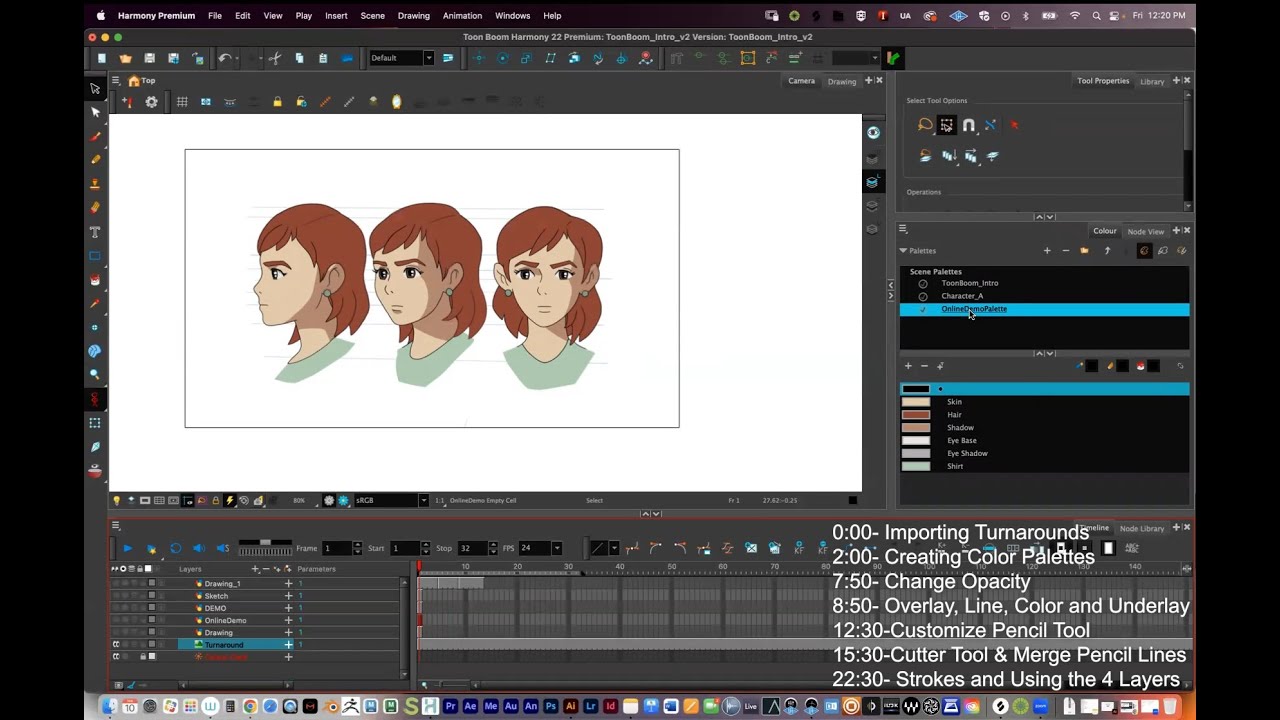
Even something as simple as the select tool within Toon Boom Harmony has a tonne of features to aid you within production.
Find the written article for this video here:
https://teach.lucassaturn.co.uk/harmo...
---------
0:00 - Video intro
0:12 - Select Tool - Introduction
1:08 - Selection shape
1:21 - Easy drag
1:33 - Snapping
3:05 - Scale pencil line thickness
3:22 - Select by colour
3:53 - Permanent selection
4:16 - Apply to visible drawing layers
4:30 - Apply to synced drawing layers
4:51 - Apply to all frames
5:00 - Apply to onion skin range
5:16 - Apply to line art and colour art
5:34 - Flip
5:38 - Rotate
5:49 - Position
6:17 - Scale
6:38 - Smooth
6:50 - Flatten
7:11 - Create colour art from line art
7:27 - Distribute to layers
7:38 - Store colour gradient
8:04 - Pencil to brush stroke
8:10 - Merge pencil lines
8:28 - Reverse pencil thickness
8:52 - Additional options
9:04 - Conclusion
---------
Subscribe for more videos: https://goo.gl/lfQmA9
---------
Website:
http://lucassaturn.co.uk/
---------
Follow me on Twitter!
/ lucassaturn
---------
Hashtags;
#toonboom
Повторяем попытку...
Доступные форматы для скачивания:
Скачать видео
-
Информация по загрузке: