Tata Sky remote keys not working
Автор: Tech Shop
Загружено: 2020-06-01
Просмотров: 70529
Описание:
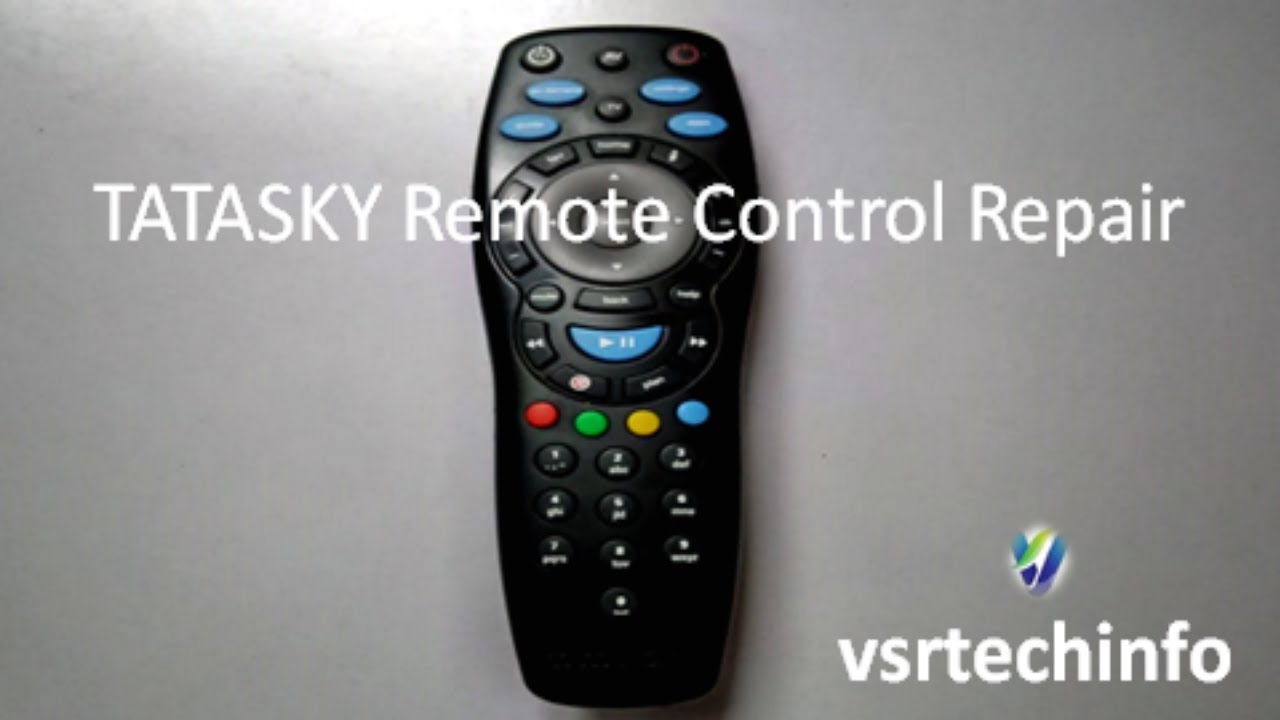
Hi Guys, Learn how to FIX Tata Sky remote buttons not working. In this video I have shown the simplest solution for this problem.
There are a number of reasons why your remote may not be working. The most common are physical damage, battery issues, pairing issues, or issues with the infrared sensor on the remote or TV.
To check if your IR Remote is sending a signal, follow the steps below:
1. Pick your mobile and turn the camera on.
2. Point the end of the remote control with the IR emitter at the camera or camcorder lens.
3. Look at the viewfinder or LCD screen.
4. Press and hold one of the buttons on the remote control.
Why do remote control buttons stop working?
Most remote controls (TV, garage doors, etc.) have conductive rubber on the back of the buttons, making contact with the circuit board inside the device. Over time, these rubber buttons can wear away and stop working. Make sure to remove any batteries before attempting to repair your remote.
Steps to fix your remote:
Step 1: Test Your Remote With Digital Camera.
Step 2: Open the Remote Control But There Is a Catch or a Few Catches.
Step 3: Take a Picture of Every Phase So You Remember How to Re-assemble.
Step 4: Pull Everything Apart.
Step 5: Inspect the Circuit Board and Repair Dry Joints.
Step 6: Wash the Covers and the Buttons.
Step 7: Dry it well before packing it again.
Step 8: Reassemble it, Hope this will help work it again.
You can place an order for a new remote by calling Tata Sky help line No. 18002086633, 18601206633 & 18605006633. The cost of remote for SD, HD and 4K boxes is INR 200 and for PVR, HD PVR boxes and +HD is INR 375.
If you are facing “No Signal” issue on your Tata Sky Set Top Box, it might be a dish antenna alignment problem or some other hardware problem and you should contact Tata Sky customer care at 18002086633 which is their toll free helpline number and register a complain.
You can use your mobile as a Tata sky remote. You will have to connect the STB i.e Set top box to a dongle or modem. Then connect the mobile to the same wi-fi in which STB is connected to. And then download the Tata sky mobile app on your android/iOS Device.
How to open Tata sky remote and how to repair Tata sky remote HD+ Recorder. This is mainly due to wear and tear inside the remote. Sometimes you can fix this just opening and cleaning the inside surface.
Customer Service Number/Helpline Numbers: The Subscriber must call 18602086633 or 18605006633, the Tata Sky Helpline Numbers from the Registered Mobile Number of the Subscriber.
If you would like to refresh your Tata Sky, then refreshing the Tata Sky account is not a big deal, all you need to do is to just give a miss call to 9040590405 from your registered mobile number. You need to wait for 2-3 minutes and you can see that the new channels are reflecting on your account.
Tata Sky Remote control price is Rs. 299
Buy it on Amazon:
https://amzn.to/3KWVtKv
Related links:
Red Light blinking but remote not working properly:
• Fix Tata Sky red light flashing problem
How to Change Tata Sky channel language:
• How to change Tata Sky language | Tata Sky...
Fix Tata Sky remote not working properly
• Fix Tata Sky remote not working properly
Tata Sky remote pairing short code method
• Tata Sky remote pairing short code method
We shall be releasing more videos regularly. Please Support, Like, Subscribe and Share our YouTube channel and stay updated with the latest content.
Please subscribe to our channel and hit the bell icon so that you are always updated with the latest technology trends.
/ techshopindia
We, at TechShop, try our best to help our audience to learn everything about Softwares and hardware related to mobile phones and laptops, personal computers, Macbooks and much more.
We help you so that you don't have to spend any money. Therefore, this channel is more of DIY technology videos.
We work on bringing you the latest technology tips and tricks that help you solve your daily technology problems.
Повторяем попытку...

Доступные форматы для скачивания:
Скачать видео
-
Информация по загрузке: