How to Make a PDF on iPhone (3 Easy Methods)
Автор: Guidr
Загружено: 2026-03-02
Просмотров: 42
Описание:
Need to make a PDF on your iPhone?
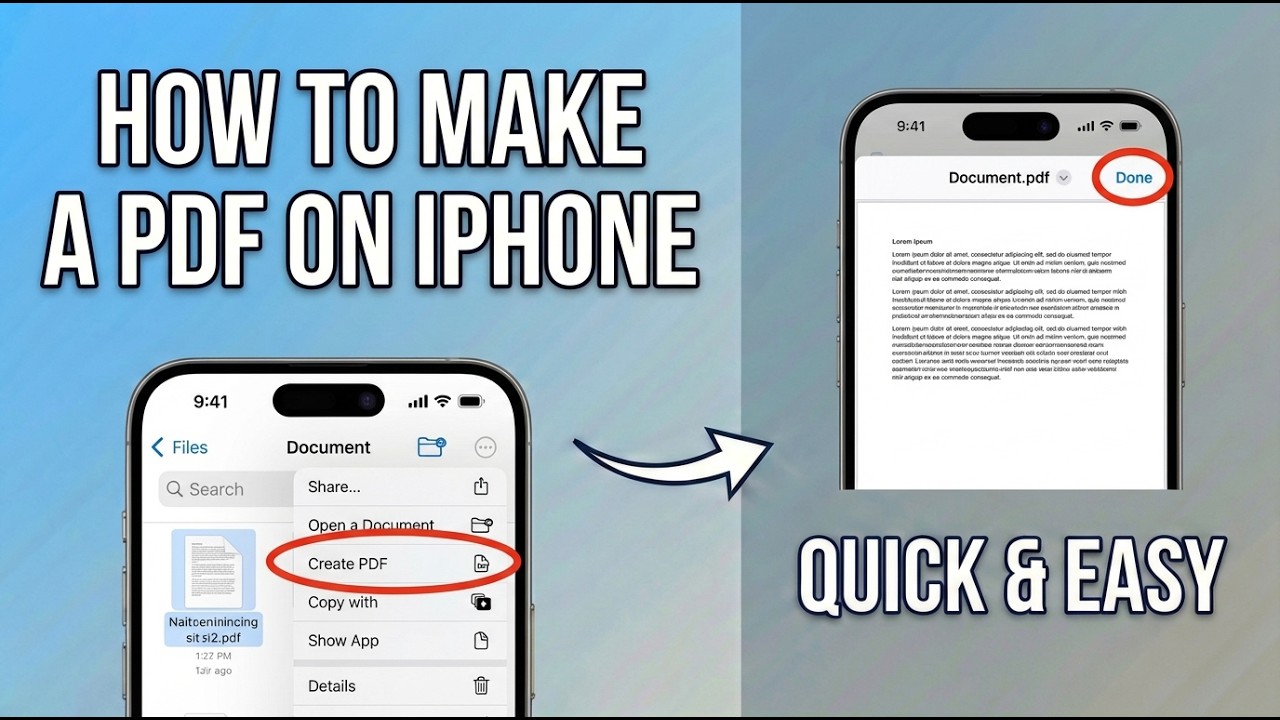
In this video, I’ll show you the easiest ways to create a PDF directly on your iPhone using built-in features.
You don’t need a computer or third-party software.
Here’s what we’ll cover:
📄 Create a PDF using the Share menu
🖼️ Turn photos into a PDF
🌐 Save webpages as a PDF in Safari
📁 Convert documents using the Files app
You’ll learn how to create a PDF from:
The Photos app
The Safari browser
The Files app
Notes, emails, and other shareable content
⚠️ Important: When you tap “Print,” you’re not actually printing. You’ll use the preview screen to generate a PDF instead.
All methods work directly on modern iPhones running recent versions of iOS.
If this tutorial helped you, like the video and subscribe for more simple iPhone tips and productivity guides.
Повторяем попытку...
Доступные форматы для скачивания:
Скачать видео
-
Информация по загрузке: