How to transfer books from your smartphone, tablet or computer to your e-Reader running KOReader
Автор: Stefan Svartling
Загружено: 2025-03-09
Просмотров: 22655
Описание:
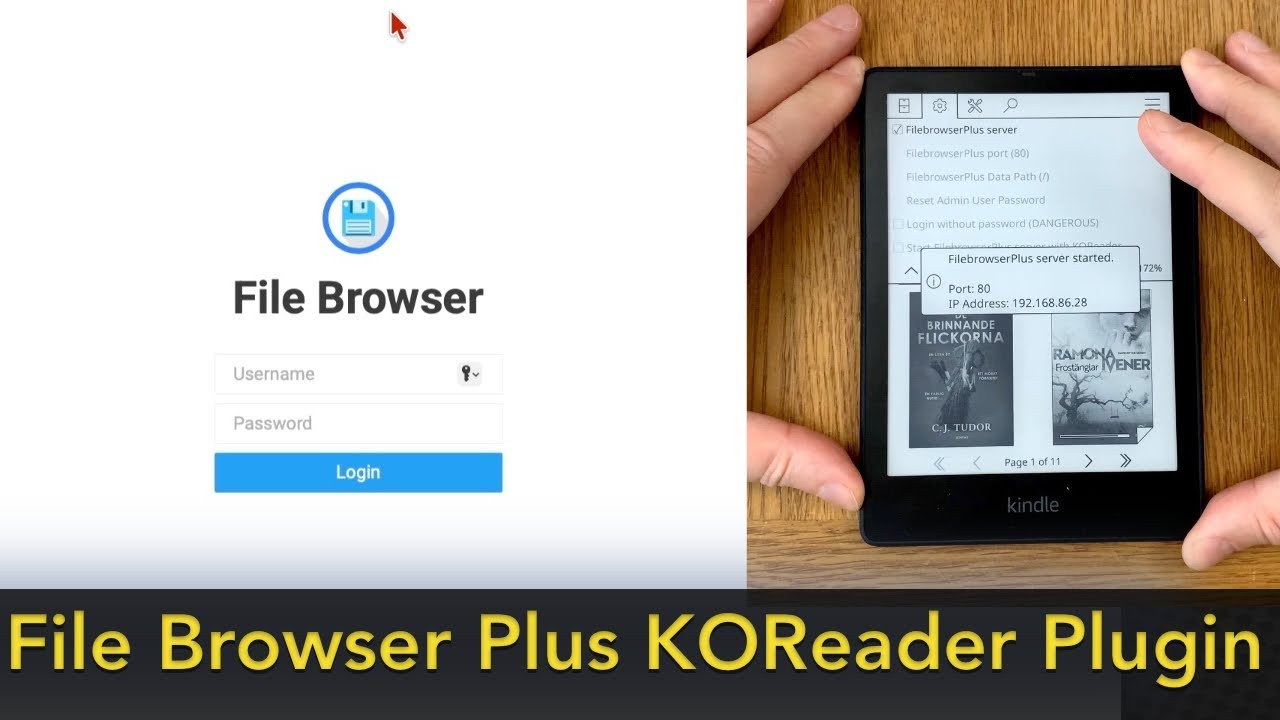
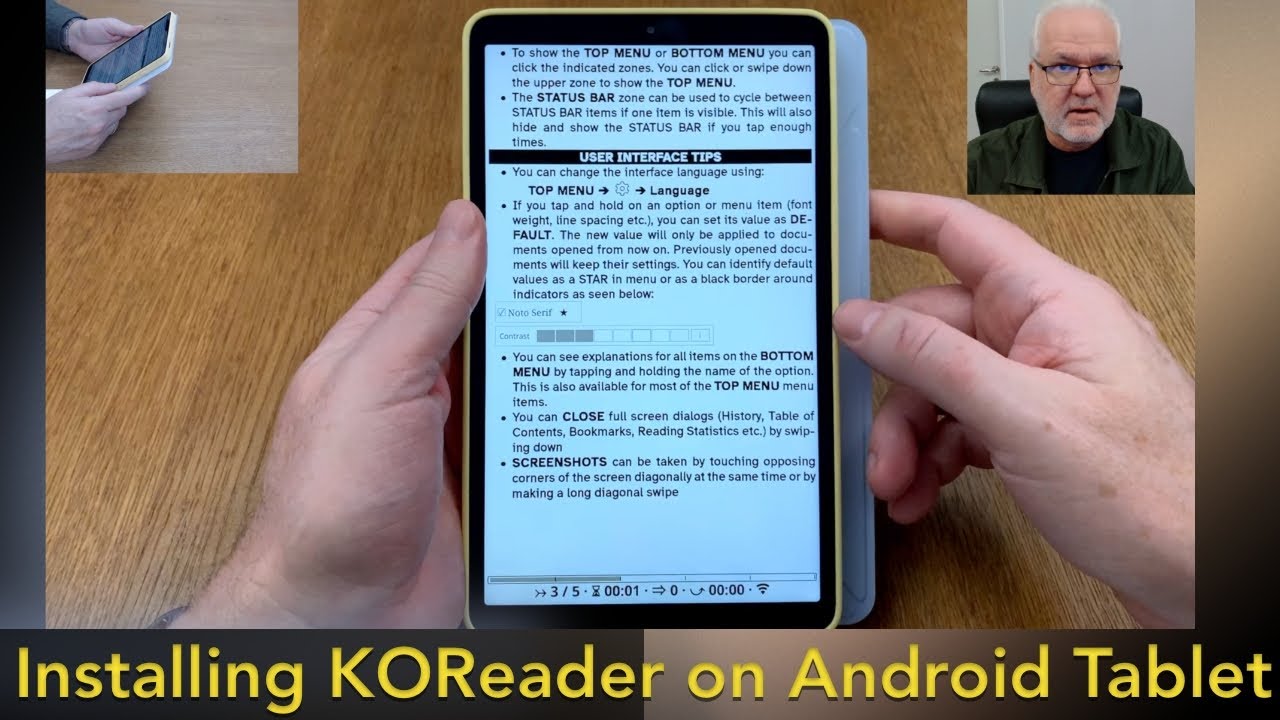
In this tutorial I will show you how to install the FileBrowser KOReader plugin on your e-Reader running KOReader. If you have a Kindle it needs to be Jailbroken and have KOReader installed for this to work, on Kobo or Android based e-Readers you only need to have KOReader installed. With the FileBrowser plugin you don't need a computer to add files to your e-reader. You can use your smartphone or tablet to transfer books to your e-reader wirelessly. You can upload or download books from or to your e-reader with this method. It's very easy. You can do it from a computer, smartphone, tablet, for example an iPhone or iPad just using your web browser of choice. Upload and Download files to or from your e-reader just using a web browser.
Link to FileBrowser KOReader Plugin:
https://github.com/b-/filebrowser.kop...
Please subscribe:
https://www.youtube.com/subscription_...
#koreader #ereader #jailbreak
Повторяем попытку...

Доступные форматы для скачивания:
Скачать видео
-
Информация по загрузке:






![How to Install KOReader and NickelMenu on Kobo [2025]](https://imager.clipsaver.ru/OJ9AIJW-qGI/max.jpg)