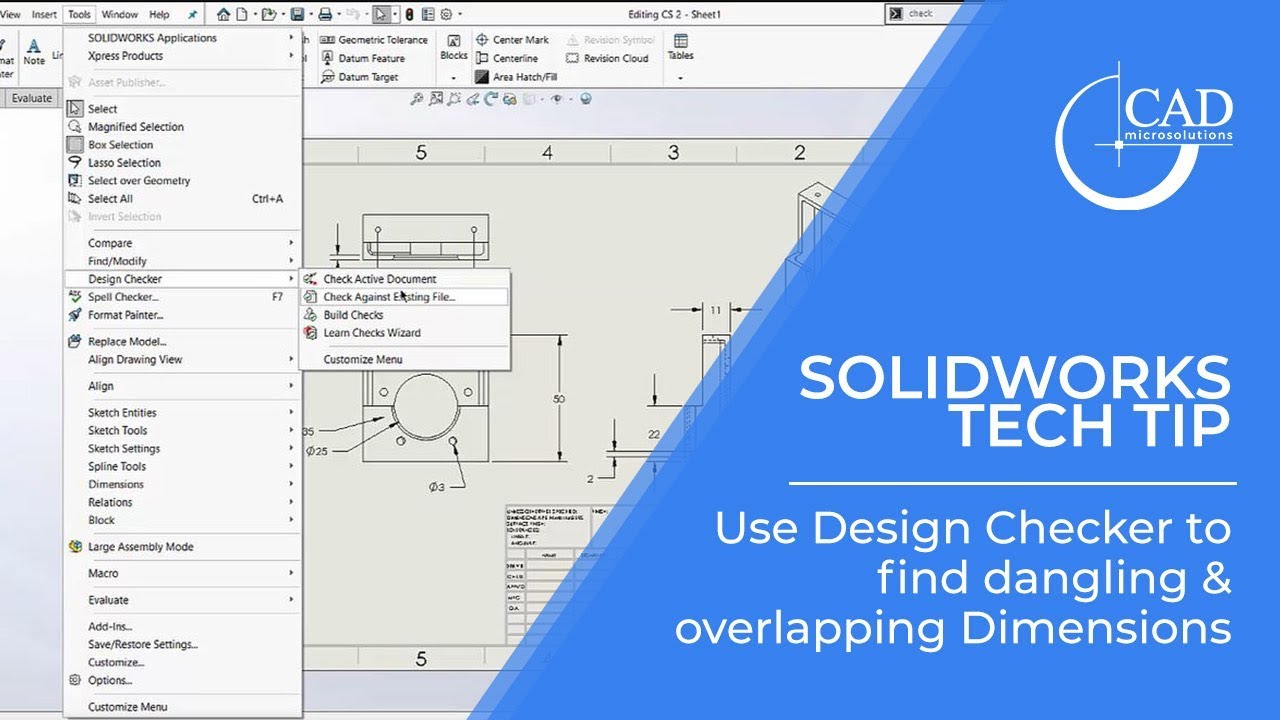
Tech Tip Tuesday: Use Design Checker to find dangling and overlapping dimensions in a drawing
Автор: CAD MicroSolutions
Загружено: 2019-07-23
Просмотров: 3044
Описание:
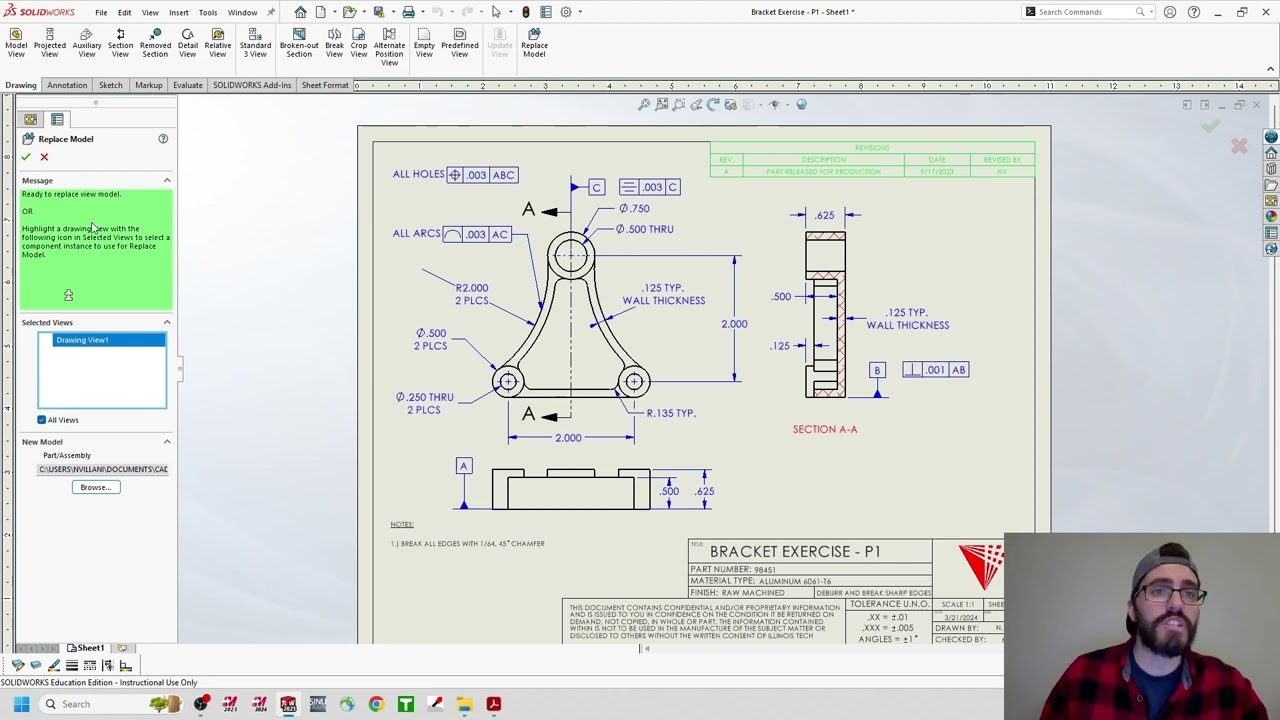
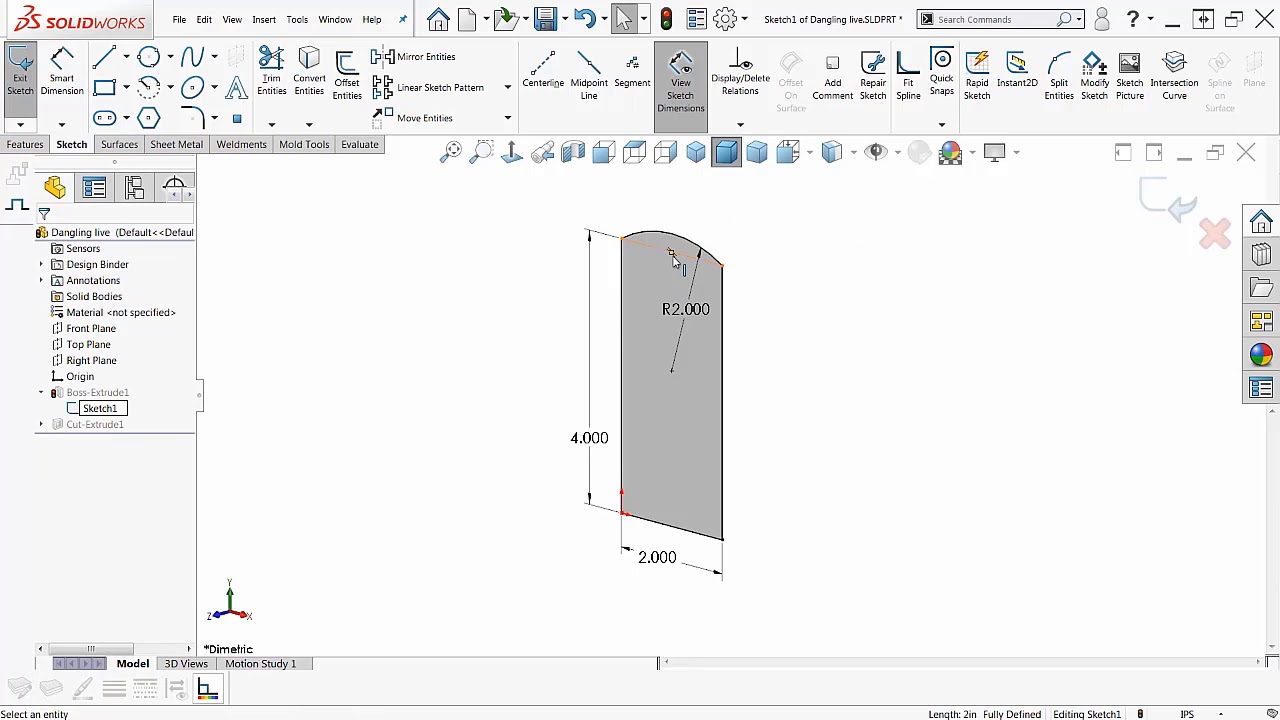
The Design Checker can be utlized to find things in various SolidWorks documents to ensure they meet your consistency standards. In this example, we will check a drawing for dangling dimensions and overlapping dimension leaders.
Be sure to follow us on social media and subscribe to our YouTube channel for our weekly SOLIDWORKS Tech Tips and the latest in industry news with CAD Micro TV!
Twitter: / cad_micro
Facebook: / cadmicro
LinkedIn: / cad-. .
Instagram: / cad_micro
Visit CAD MicroSolutions at http://www.cadmicro.com/ to learn more about our services! We are the top reseller of SolidWorks products in Ontario, and a reseller of Virtalis Virtual Reality and Markforged, HP, Nano Dimension, BigRep, Ultimaker and Formlabs 3D printing solutions across Canada. We provide consulting, software, hardware and training in all areas.
Повторяем попытку...
Доступные форматы для скачивания:
Скачать видео
-
Информация по загрузке: