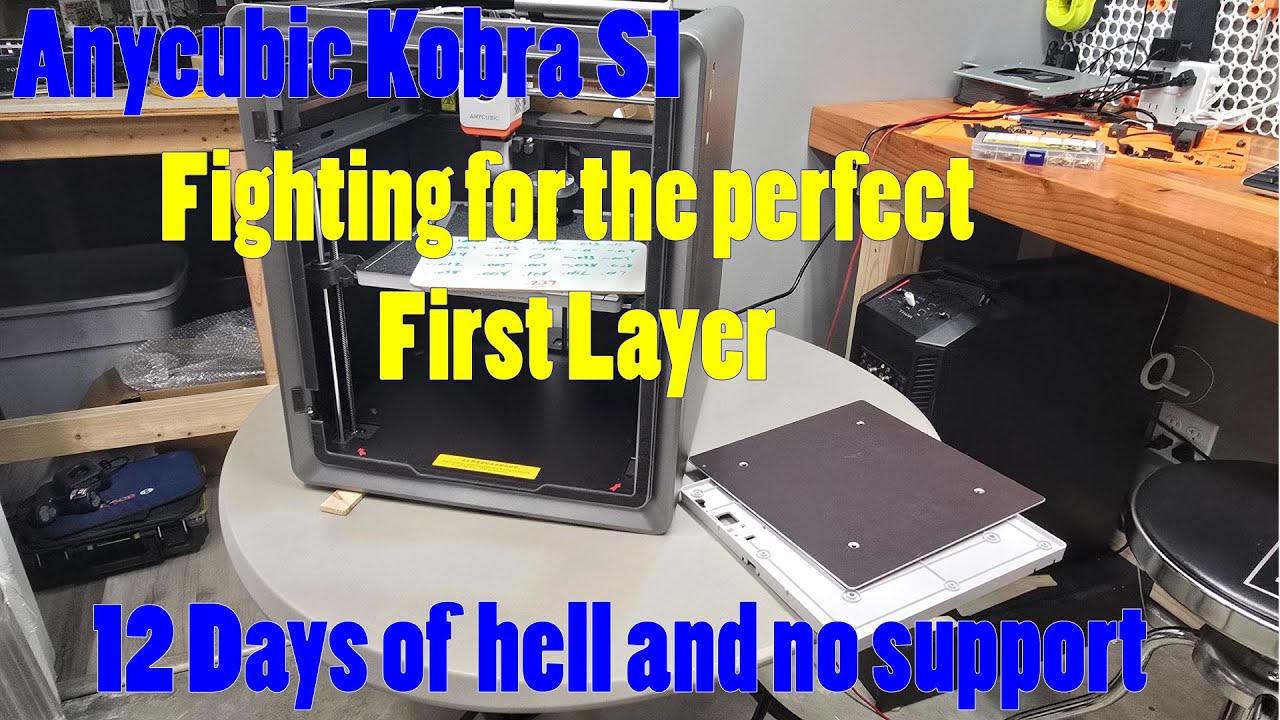
Kobra S1 Combo: My 12-Day Fight for a Perfect First Layer
Автор: Doug Does Stuff!
Загружено: 2025-06-22
Просмотров: 10960
Описание:
Hey, it's Doug! Welcome to Doug Does Stuff, where the only constant is change. I'm a serial tinkerer with a passion for figuring things out, which means you'll find a little bit of everything here. From deep dives into new projects to quick explorations of random ideas, if it sparks my interest, it's fair game. Come along for the adventure, and don't forget to like and subscribe for more!
Like what you see? I do this at night, Buy me a coffee!
https://ko-fi.com/dougdoesstuff
Anycubic Kobra S1 Combo Series:
This series is dedicated to everything Anycubic Kobra S1 combo related. I picked up this printer with my own money with the hopes of reinvigorating my joy in 3D printing that has been repeatedly crushed by my Ender series printers. The Anycubic Kobra S1 Combo was just released and you are getting the average Joe reviews and input. Stay tuned as we learn to do more with it!
Episode 20: Kobra S1 Bed Leveling Nightmare: My 12-Day Fight for a Perfect First Layer
This video is LONG, but it's packed with crucial information for any Anycubic Kobra S1 owner struggling with bed leveling. For the past 12 days, I've been on a mission to conquer the S1's notoriously bad bed. With help from MakerOnline's files and some brilliant suggestions from my supporters (thanks, Alessio!), I've tried almost every trick I could think of.
You'll see my journey from a shocking 1.44mm bed variance to a "best" of 0.203mm (though consistency remains a challenge, fluctuating up to 0.546mm). We're exploring whether the culprit is the bed itself, the strain gauge, the firmware, or something else entirely. The bottom line: the level is still atrocious.
Below, you'll find a detailed breakdown of all the steps I took, so you can easily jump to specific sections using the chapter marks. My hope is that you can apply these learnings to your own printer and finally achieve that elusive perfect first layer.
It's incredibly frustrating to consider spending an additional $130 on a replacement bed (like those from Fussnor on AliExpress) just to get a printer that functions correctly out of the box. (Unless, of course, Fussnor wants to collaborate!)
Chapters:
Intro - 0:00
Doug from the Future - 1:42
The Why - 3:51
Step 1 Initial bed setting - 4:47
Initial bed level probe results - 9:02
Step 2 belt skipping - 10:02
Belt skipping results - 14:06
Step 3 TPU Spacers -15:44
TPU Spacer Results - 20:47
TPU Follow up - 22:29
Wow!, just WOW! - 23:58
Step 4 Bed carriage support - 26:01
Post Bed support results - 29:50
Latest firmware test - 34:42
Step 5 Strain gauge - 35:50
Removing Strain Guage - 38:34
Reinstalling strain gauge w/washers- 44:24
Reinstalling Cutter and Sensor - 45:03
Outro and final thoughts - 52:00
Повторяем попытку...
Доступные форматы для скачивания:
Скачать видео
-
Информация по загрузке: