How to Design Wedding Card Photo Collage in Photoshop
Автор: Photoshop Tutorials by Layer Life
Загружено: 2018-03-09
Просмотров: 7162
Описание:
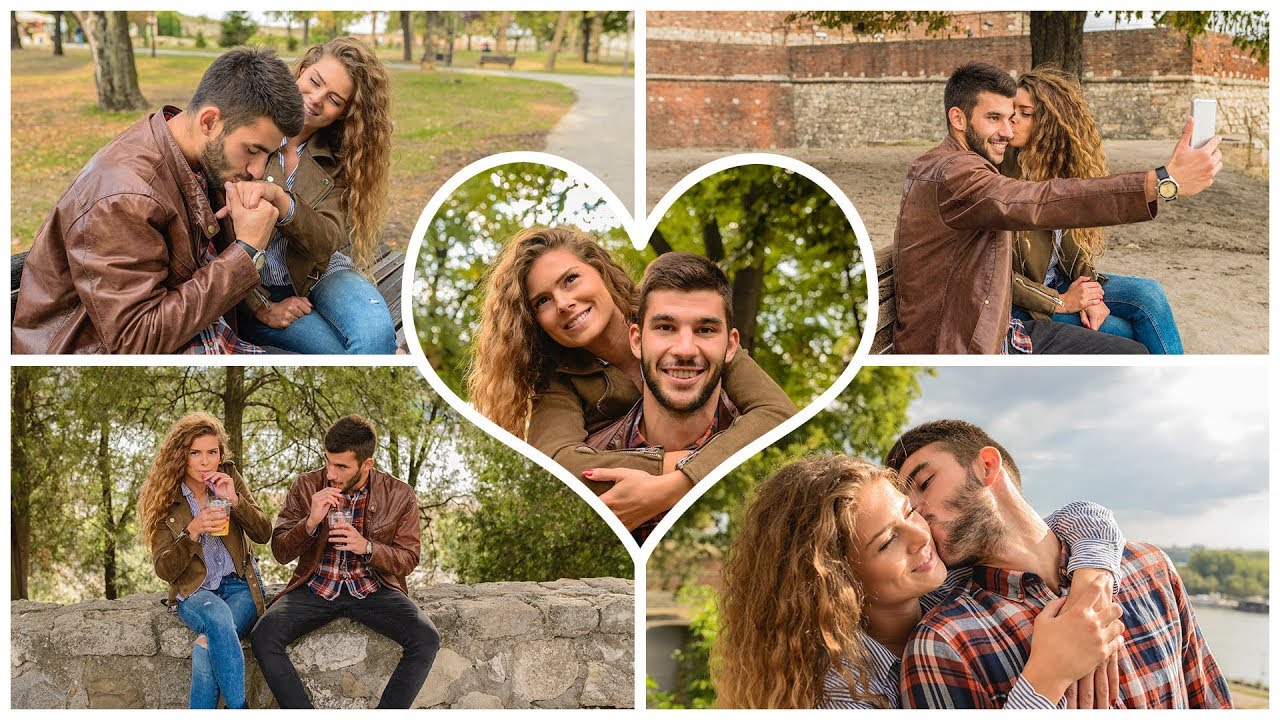
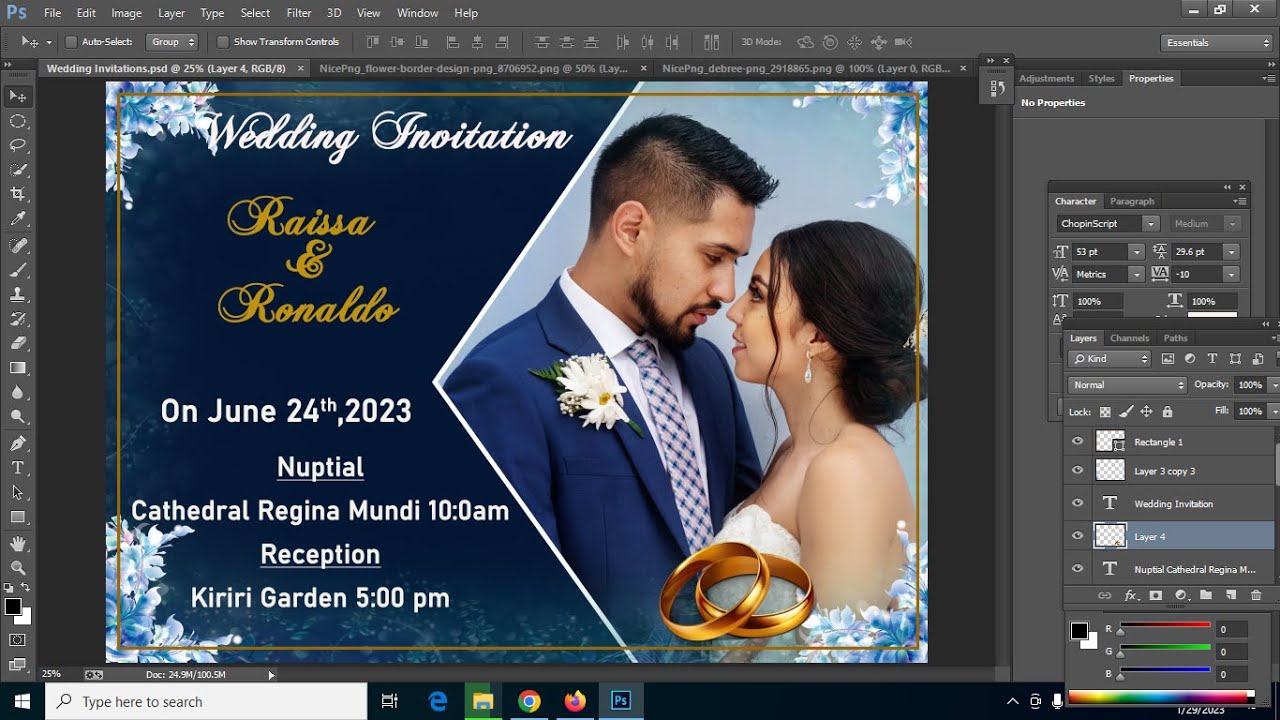
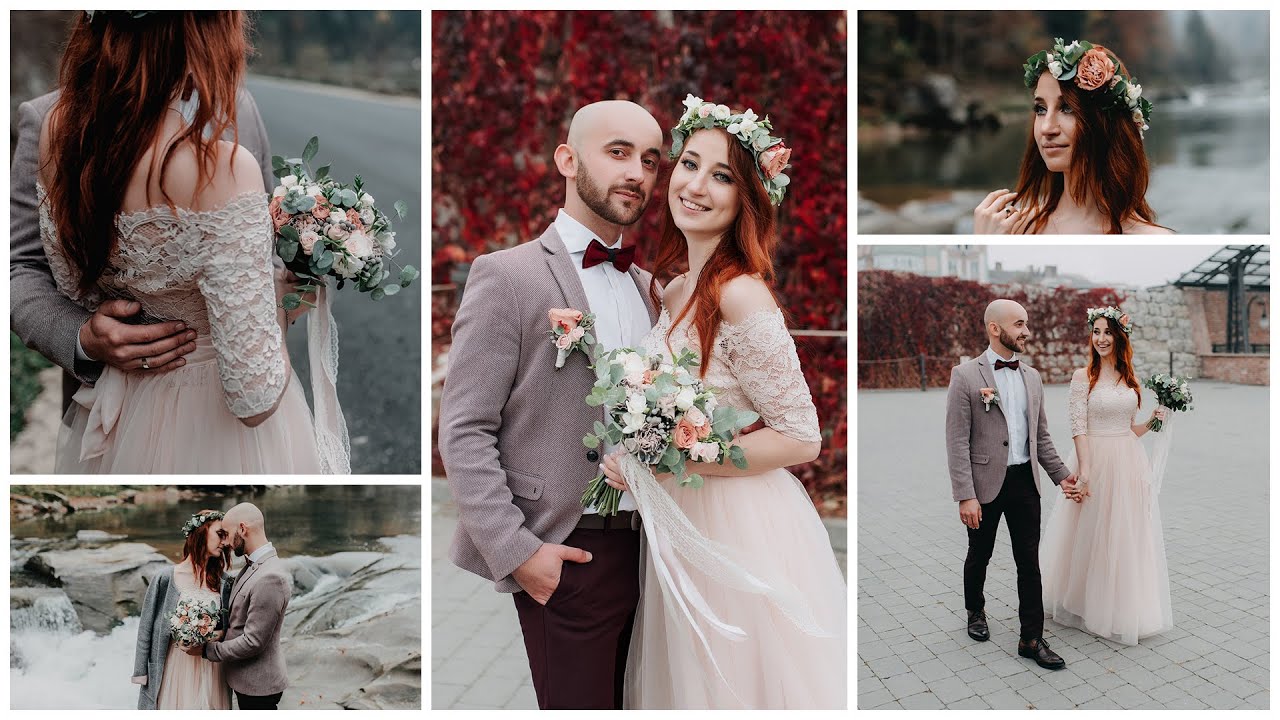
In this Photoshop tutorial, I will show you how to design wedding card photo collage. You can also create wedding thank you cards, invitation, save the date, and other type of cards.
The first thing is to add Guides which helps you align the photos perfectly straight.
Then add color boxes to each of the sections where you want your photos placed. Color doesn't matter. This just helps so you can see the location of the photo. You will not see the colors in the end.
In the layer panel, add your photo right above the box, then add Create Clipping Mask to your photo. This will connect your photo into the box.
When adjusting the size of your photo, hold the Shift Key and drag the corners. Holding the Shift Key will make sure the photo doesn't get warped and keeps it in the same ratio.
Note: If you want to have your photo collage card printed, be sure to check the settings requirement with the company you are printing with. Normally when printing (4x6, 5x7, etc.) you need to add a little bit to the size for the bleeds and safe zones. That is why I added an extra .25 inch.
John Hope
Added photos to template.
https://www.flickr.com/photos/johnhop...
https://www.flickr.com/photos/johnhop...
https://www.flickr.com/photos/johnhop...
https://creativecommons.org/licenses/...
Font Used
https://www.fontsquirrel.com/fonts/os...
https://www.fontsquirrel.com/fonts/gr...
Повторяем попытку...

Доступные форматы для скачивания:
Скачать видео
-
Информация по загрузке: