Night Scenery Drawing on iPad: Glowing Flowers & Streetlight Tutorial
Автор: Shifa Art and Drawing
Загружено: 2026-01-04
Просмотров: 15
Описание:
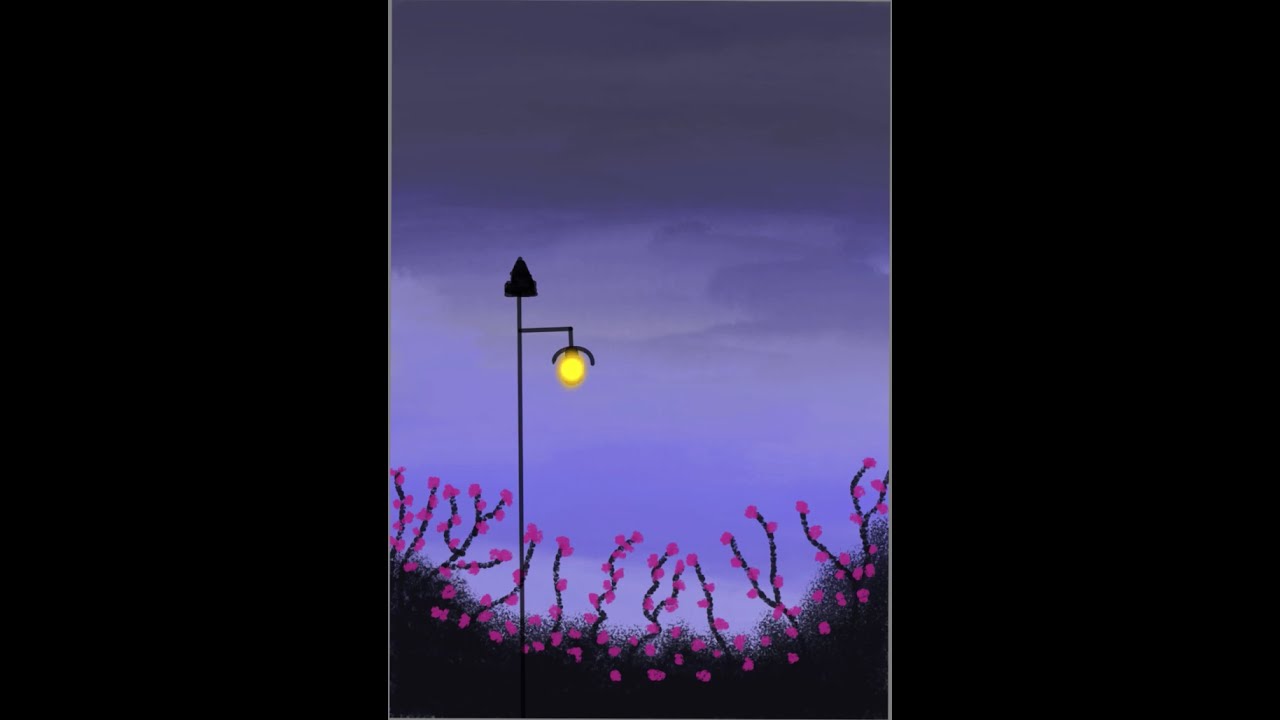
Welcome to this step-by-step night scenery drawing tutorial! In today's video, I am using my iPad and Apple Pencil to create a moody, atmospheric digital painting of flowers at night illuminated by a nearby streetlight.
The goal of this iPad drawing is to show you how to master light and shadow in a digital space. We will focus heavily on the "glow effect"—specifically how the warm light from a streetlight interacts with organic shapes like flower petals and leaves against a dark, midnight sky.
If you are a beginner looking for easy iPad drawing ideas or an intermediate artist wanting to improve your digital landscape painting, this video covers essential techniques including:
Layer masking for light glows.
Blending dark blue and purple tones for a realistic night scenery background.
Using the Apple Pencil to create fine details on glowing flowers.
Adjusting opacity to create a realistic street lamp beam.
Digital art on the iPad offers so many tools to make your night scenery drawing pop. I'll show you which brushes work best for creating soft light and sharp highlights.
🔗 STAY CONNECTED (Links):
Subscribe for more iPad Art: • How to draw sunset with a fairy lights | D...
Watch my Digital Art Playlist: • How to draw sunset with a fairy lights | D...
🎨 Software & Hardware:
Device: iPad Pro
Tool: Apple Pencil (2nd Gen)
App: apple pencil app
⏱️ Timestamps: 0:00 - Sketching Flowers and Streetlight 1:20 - Adding Glow Effects 2:45 - Final Shading and Details 3:00 - Finished Digital Art Reveal
#NightSceneryDrawing #iPadDrawing #DigitalArtTutorial #FlowersAtNight #StreetlightArt #ApplePencil #ArtProcess #DrawingOnipad
Повторяем попытку...
Доступные форматы для скачивания:
Скачать видео
-
Информация по загрузке: