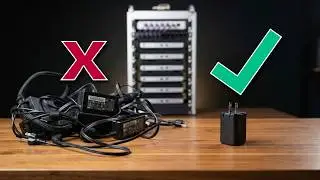
I Used an iPad as the Only Display for Mac mini — Here’s the Truth
Автор: Paperless Lab
Загружено: 2026-01-19
Просмотров: 413
Описание:
I’ve been using an iPad as the only display for my Mac mini for several months. In this video, I show you exactly how it works — and whether it can really replace a MacBook.
In this video, I’ll do two things:
1. Step-by-step tutorial on how to use an iPad as the only display for a Mac mini.
2. My real-world experience after long-term use, including the pros, cons, and my final conclusion.
This setup allows a Mac mini to work without a traditional monitor by using an iPad as the display.
It’s stable, practical, and surprisingly usable — but it also comes with clear limitations.
00:00 Introduction
00:52 How to use iPad as Mac mini display
03:11 Touch and input experience
04:35 Real pros after long-term use
05:19 Real cons you should know
06:52 Can it replace a MacBook?
🔧 Gear & apps mentioned in this video:
Yam Display (iPad & macOS)
iPad Pro 11" M4: https://amzn.to/4sNIjp2
Mac Mini M4: https://amzn.to/4jX7vW3
Logitech Combo Touch: https://amzn.to/49I0zXZ
iPad Stand: https://amzn.to/3NQSxop
Magic Keyboard: https://amzn.to/45dezYE
Magic Trackpad: https://amzn.to/4qAe1Vo
USB-C cable: https://amzn.to/4a2PgLu
📌 This channel is about:
Paperless learning, iPad productivity, and how iPad can replace or complement a computer.
If this video helps you, consider subscribing.
I post in-depth iPad and productivity videos regularly.
#ipadtips #ipadproductivity #ipad #macmini #macbook
Повторяем попытку...

Доступные форматы для скачивания:
Скачать видео
-
Информация по загрузке: