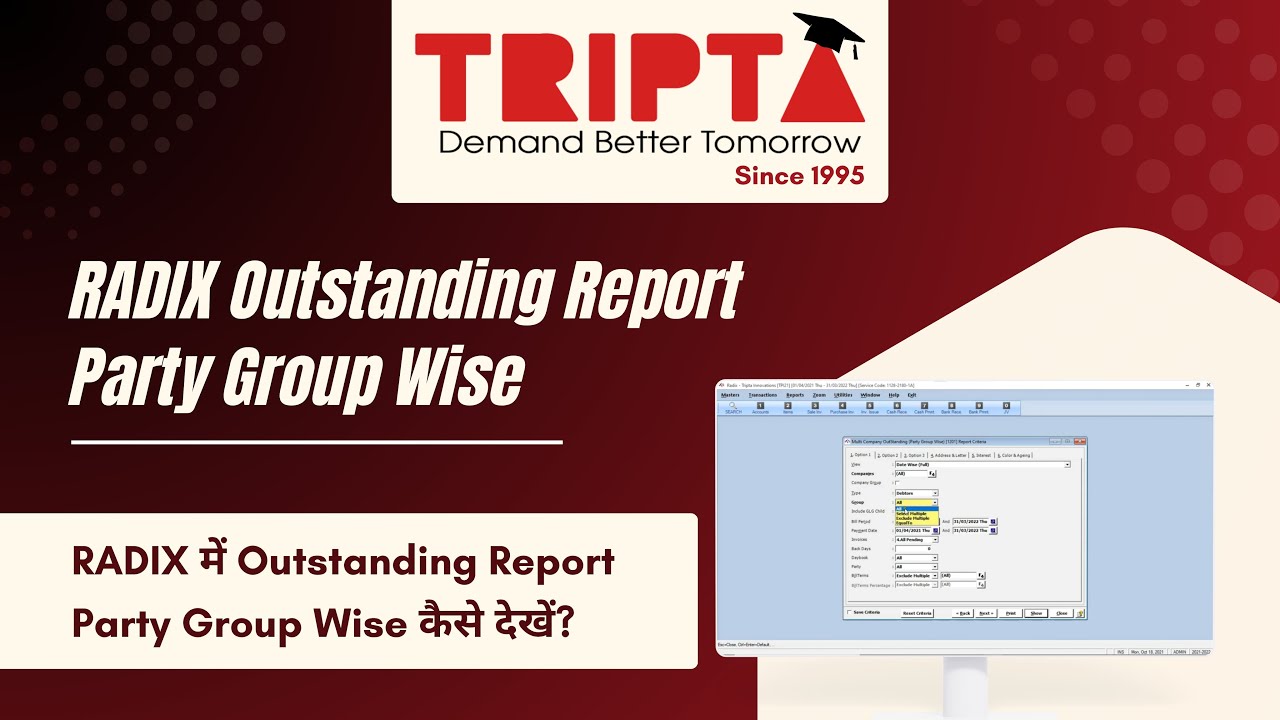
How to View Outstanding Report Party Group Wise in RADIX | Tutorial
Автор: TRIPTA Innovations Private Limited
Загружено: 2021-10-23
Просмотров: 51
Описание:
View the Outstanding Report Party Group Wise in RADIX to monitor pending balances, ageing and collections.
What this video covers:
• Open Reports - Accounts - Multi Company - Outstanding - Party Group Wise.
• Use the relevant fields: View, Companies, Company Group, Type.
• After entering all the details, select Show button. Report opens according to the selected criteria.
• You can also print the report by clicking on Print icon on the top left corner of the page or press CTRL+P shortcut key.
Useful for credit-control and accounts teams who need to monitor pending balances, ageing and collections.
Official Tripta help guide: https://tripta.in/Manual/Radix/PartyG...
Need help or a product demo?
Sales: 097231 02310
Support: +91 261 230 7700
Email: [email protected]
Website: https://tripta.in/
Follow Tripta Innovations:
Instagram: / triptainnovations
Facebook: / triptaindia
LinkedIn: / tripta-innovations-pvt-ltd
Subscribe to @TRIPTAINNOVATION for practical accounting software tutorials.
#RADIXSoftware #OutstandingPartyGroupWise #OutstandingManagement #TriptaInnovations
Повторяем попытку...
Доступные форматы для скачивания:
Скачать видео
-
Информация по загрузке: