How to Add a Google Ads Phone Number to Your Google Business Profile (Step-by-Step)
Автор: LEARN LOCAL SEO
Загружено: 2026-01-25
Просмотров: 9
Описание:
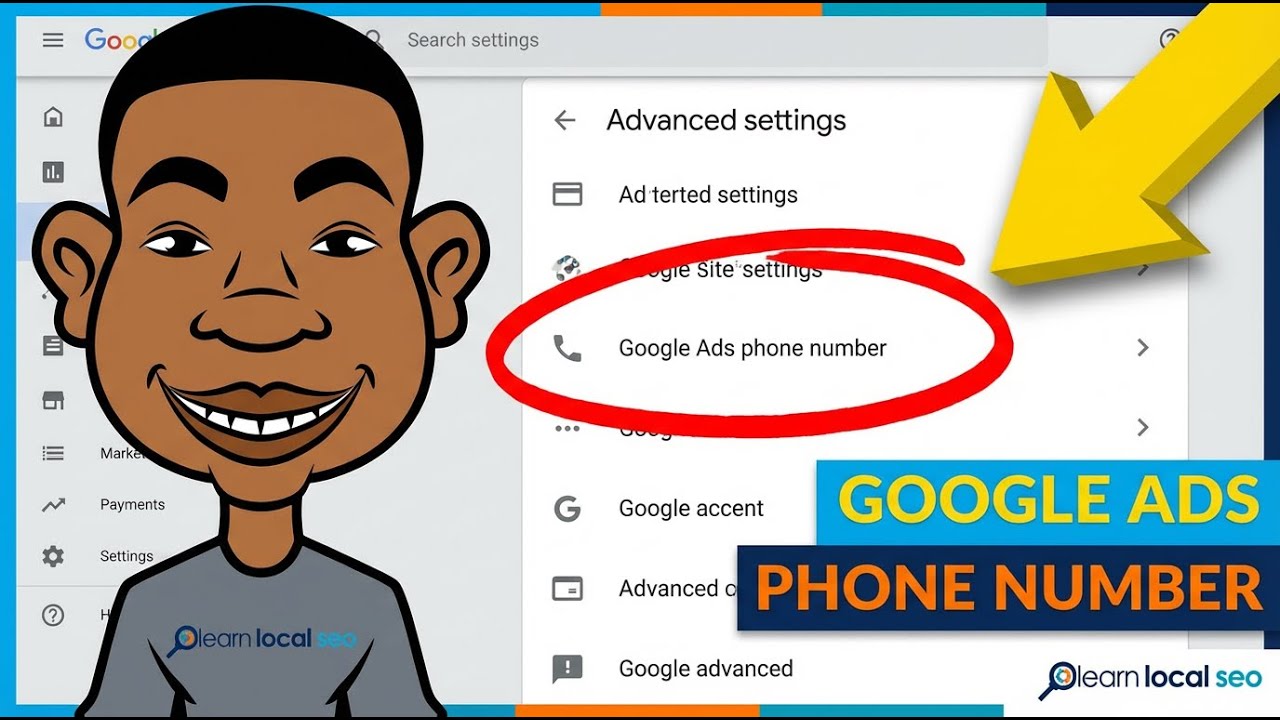
Want to track calls from your Google Ads separately from your Google Business Profile? In this quick tutorial, I'll show you exactly how to add a Google Ads phone number to your GBP so your ads display a different number than what shows on Google Maps.
This is perfect if you're using call tracking software or want to measure your ad performance more accurately.
What you'll learn:
→ Why you might want a separate Google Ads phone number
→ The restrictions you need to know (no premium rate numbers)
→ How to use one number across multiple locations
→ Step-by-step walkthrough in under 2 minutes
Steps covered:
Click the three dots on your Google Business Profile
Go to Business Profile Settings
Click Advanced Settings
Find "Google Ads phone number"
Click the pencil icon and add your number
Save
Повторяем попытку...
Доступные форматы для скачивания:
Скачать видео
-
Информация по загрузке: