How to Add Motion to a Timelapse in GoPro Studio
Автор: Air Photography
Загружено: 2016-09-04
Просмотров: 31027
Описание:
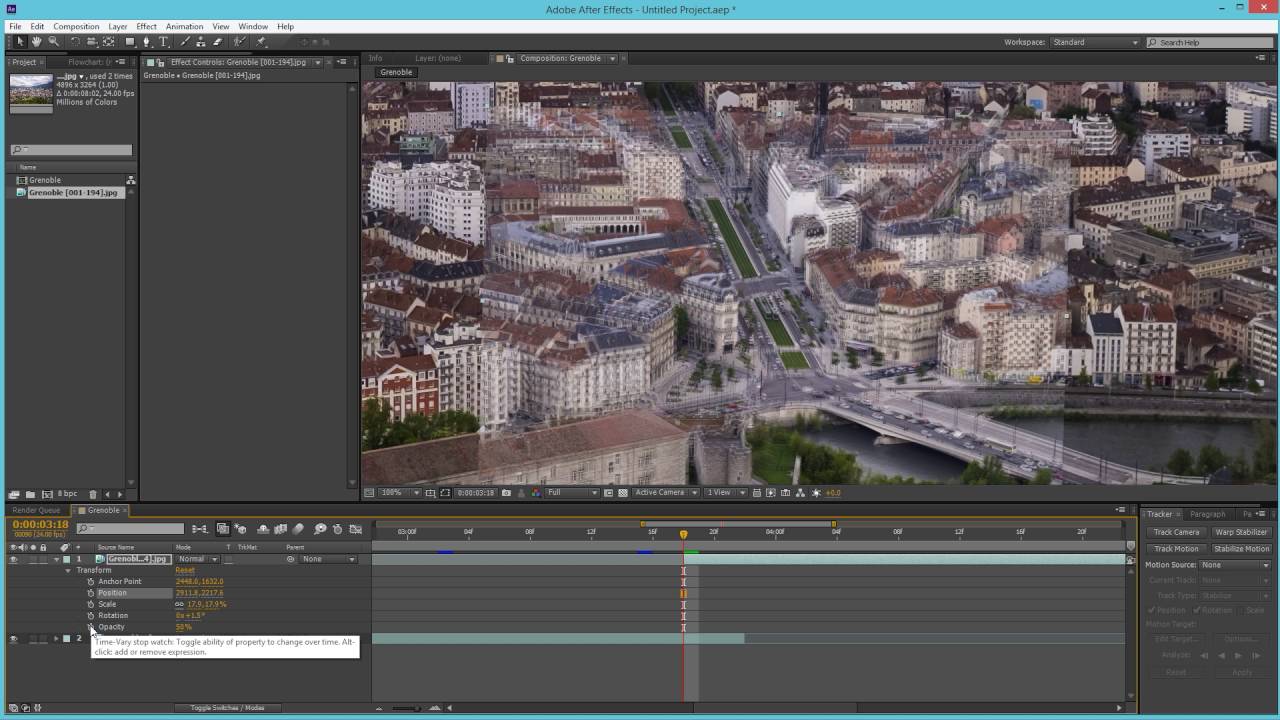
A simple step by step tutorial on how to quickly and easily add motion and slide effects to you time lapse videos using keyframes in GoPro Studio. Key frame editing is usful for adding many different effects to your timelapses.
This technique will work for new time-lapse sequences as well as existing video clips and is a simple way to add a slide, pan or zoom effect to your time-lapse videos with out having to purchase a rotating timelapse pano head or time lapse slider.
In this tutorial it teaches you just how easy and simple it is to create stunning pano and slide motions in your time lapses. The sample timelapse used was shot on a GoPro Hero 4 Silver and edited to have an HDR Look, however the outlined techniques will work on timelapses created on any camera.
Don't forget to subscribe as I have many GoPro themed time lapse tutorials in the works.
My GoPro Timelapse Gear:
GoPro Hero 5 Black: http://amzn.to/2eOGSRR
GoPro Hero 4 Silver: http://amzn.to/2fU9jlE
Tripod: http://amzn.to/2eOEXg6
GorillaPod Tripod: http://amzn.to/2eOFsqr
GoPro Suction Mount: http://amzn.to/2fy1fCJ
Hard Case: http://amzn.to/2eOHGGk
Flow-Mow Pano Head: http://amzn.to/2fxY91t
VidPro Motorized Pano Head: http://amzn.to/2fvAMcM
Open Frame Mount: http://amzn.to/2fy12zy
Music Credit: Zoom and Morning Walk.
Повторяем попытку...

Доступные форматы для скачивания:
Скачать видео
-
Информация по загрузке: