Change ONE Color Without Ruining Your Image (DaVinci Resolve)
Автор: Transient Mobile
Загружено: 2026-02-24
Просмотров: 58
Описание:
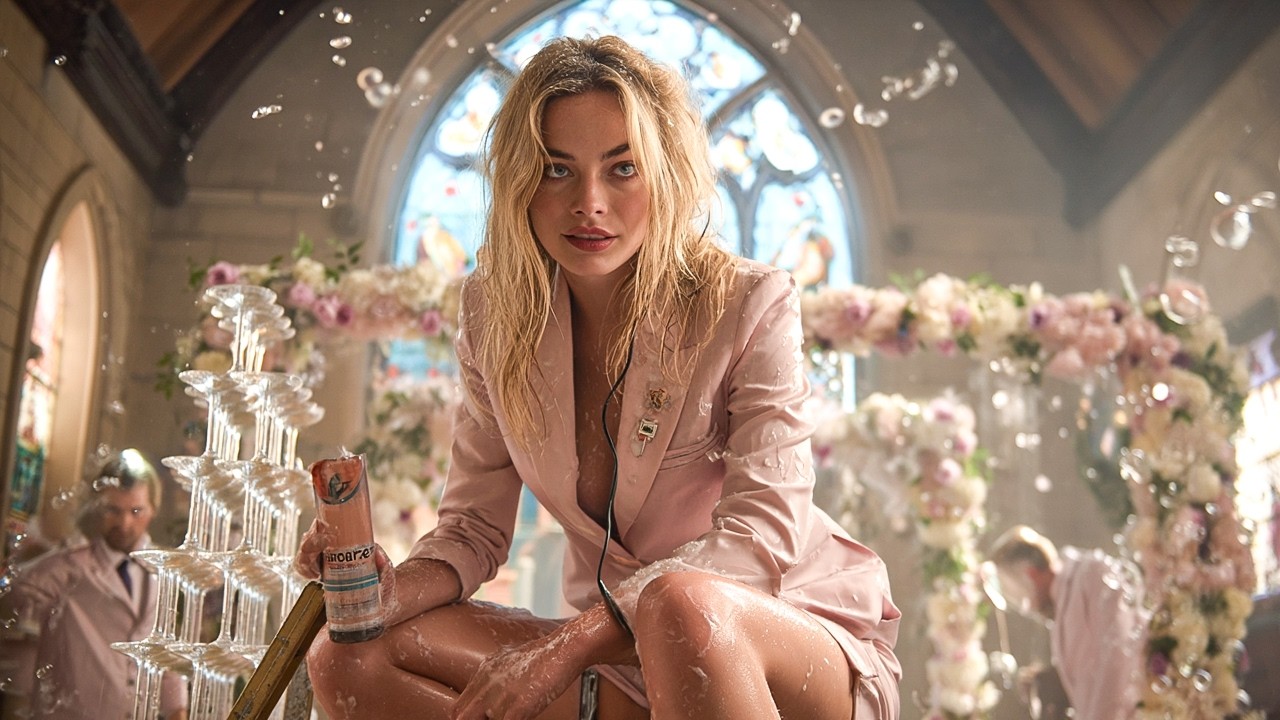
In today's video, I walk you through a common color grading scenario: two subjects wearing the same color, but you only want to change one of them.
We will be using the Color Warper (spider web tool) for the color shift, combined with a tracked Power Window to ensure the change only applies to the specific jacket we want.
In this video, you will learn:
Isolating Subjects: How to use the Curve Tool to draw a rough mask around your object.
Tracking: How to track the mask and use "Frame Mode" to manually fix drift or overlaps.
Color Warper: How to use the eyedropper to select and shift specific hues.
Pro Tip: How to avoid ruining skin tones by adjusting saturation within the Warper grid.
Timestamps:
0:00 - The Problem: Two Subjects, One Color
0:45 - Creating the Power Window (Masking)
1:30 - Tracking and Refining the Mask (Frame Mode)
3:00 - Using the Color Warper to Shift Hue
4:15 - Protecting Skin Tones & Final Result
#DaVinciResolve #ColorGrading #ColorWarper #VideoEditing #ResolveTutorial #Filmmaking
Повторяем попытку...

Доступные форматы для скачивания:
Скачать видео
-
Информация по загрузке: