Fix for the File Error Has Occurred in the Comma Separated Values Translator Message in Outlook
Автор: OnlineComputerTips
Загружено: 2023-05-30
Просмотров: 3332
Описание:
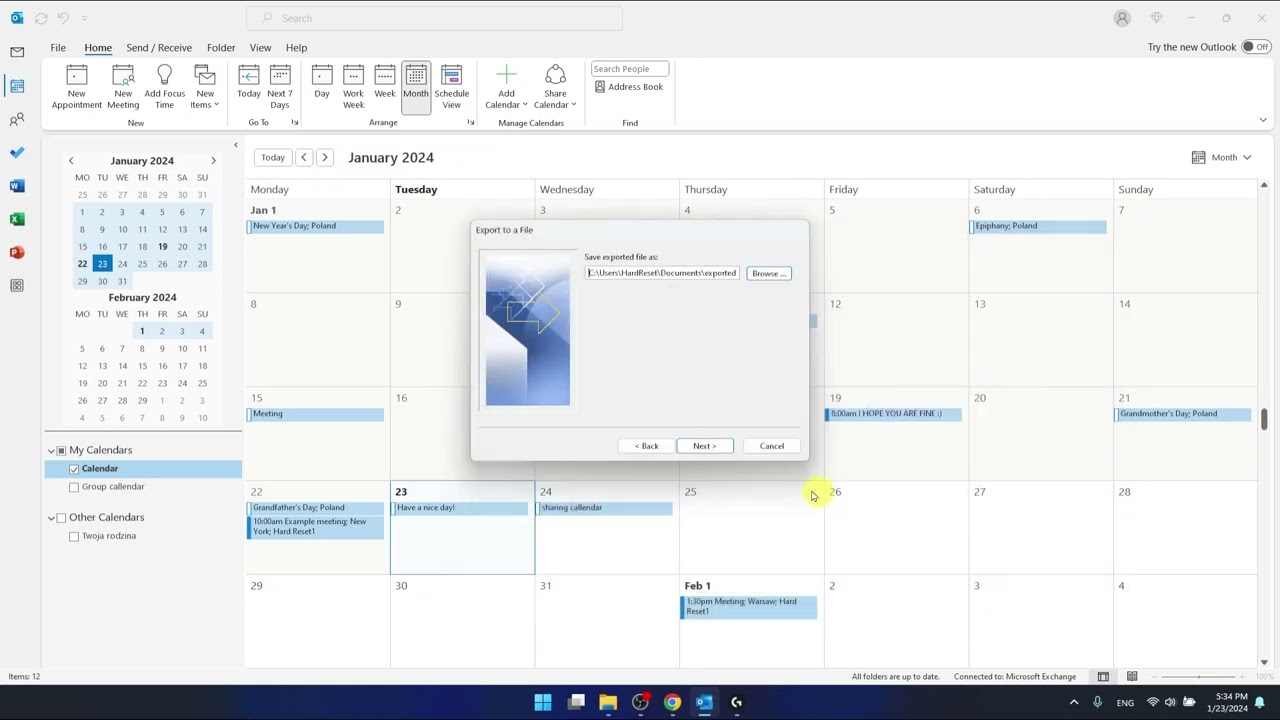
Sometimes when you try to import a CSV file with some contacts or other data into Microsoft Outlook, you might get a message that says A file error has occurred in the comma separated values translator. Outlook was unable to retrieve the data from the file. When this happens, you will not be able to import your CSV file without fixing it first. In this video we show you how to get around this error.
Learn More:
Check out our online training courses!
http://madeeasytraining.com
Check out our book (Outlook for Seniors) that is designed to take your Outlook skills to the next level! And it's not just for seniors!
https://amzn.to/3ZSUPaB
Check out our extensive tech\computer book series.
https://www.madeeasybookseries.com/home
*This description contains affiliate links. As an Amazon Associate, we earn from qualifying purchases.
#outlook
#outlooktips
Повторяем попытку...
Доступные форматы для скачивания:
Скачать видео
-
Информация по загрузке: