Ubuntu and its Flavours. Mixed results. | Linux Window Shopping for Beginners Ep 06
Автор: Dom Decodes
Загружено: 2026-01-10
Просмотров: 229
Описание:
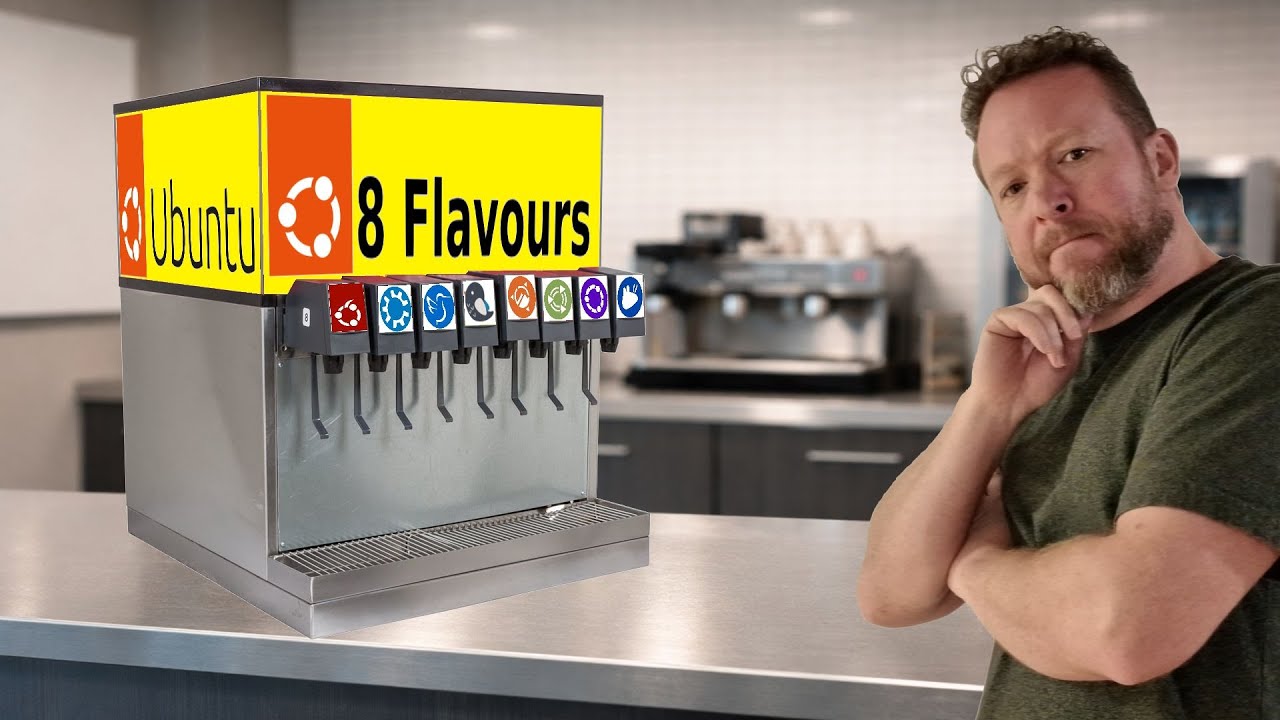
In this episode, I take a skeptical but practical look at Ubuntu and its many official flavours. From Kubuntu and Lubuntu to Budgie, Cinnamon, MATE, Unity, and more, this video walks through real installations, live sessions, scaling behaviour, software management, and default user experience on my Test System.
TEST HARDWARE
Dell Optiplex 7050 (2017)
Intel i5-7600
32GB RAM
256GB SanDisk SATA SS
The episode starts off rough, with an official Ubuntu flavour failing during installation and providing an error message that explains absolutely nothing. From there, things improve… inconsistently.
Playlist: • Linux Window Shopping For Beginners
Along the way, I cover:
KDE vs GNOME vs LXQt vs Cinnamon vs Budgie desktops
4K display handling and fractional scaling issues
Flatpak, Snap, and repository confusion in real-world use
Discover Store behaviour across Ubuntu flavours
Printer, audio, and Wi-Fi detection
Which flavours feel complete out of the box, and which don’t
CHAPTERS
00:00:00 Intro - Edubuntu [Failure]
00:01:09 Kubuntu (KDE Plasma) [Settings Overload]
00:21:50 Lubuntu (LXQT) [Resolution Issues]
00:46:16 Ubuntu Budgie [Scaling Issues]
00:59:24 Ubuntu Cinnamon [Snap Confusion]
01:16:24 Ubuntu Mate [Scaling Crash]
01:20:55 Ubuntu Unity [Not for me]
01:28:57 Xubuntu [That went downhill]
01:32:16 Ubuntu Regular [Different Scaling Issues]
This is not a distro war video and not a hype piece. It’s a beginner-focused walkthrough showing what actually happens when you install Ubuntu flavours today, including the bugs, the friction, and the parts that work surprisingly well.
If you’re new to Linux and trying to decide which Ubuntu flavour makes sense for normal desktop use, this episode should help you set realistic expectations.
Logo Attribution & Fair Use Notice:
Distribution logos used in this video's thumbnail and content are trademarks of their respective projects and are used here for educational and informational purposes only. This constitutes fair use under copyright law as non-commercial, transformative commentary. Logos sourced from Wikimedia Commons are used in accordance with their respective licenses. No endorsement by any Linux distribution project is implied. All trademarks belong to their respective owners.
#Linux #Ubuntu #LinuxForBeginners #OpenSource #KDE #GNOME #DesktopLinux #TechReview #UbuntuFlavors #DistroReview #LinuxYouTube
#OpenSource #KDE #GNOME #Flatpak #Snap
Повторяем попытку...
Доступные форматы для скачивания:
Скачать видео
-
Информация по загрузке: