Скачать
How to Delete a Booking - Mobile Application
Автор: HybridHero
Загружено: 2025-05-23
Просмотров: 16
Описание:
In HybridHero deleting booking is a simple process.
🌟 Key Steps:
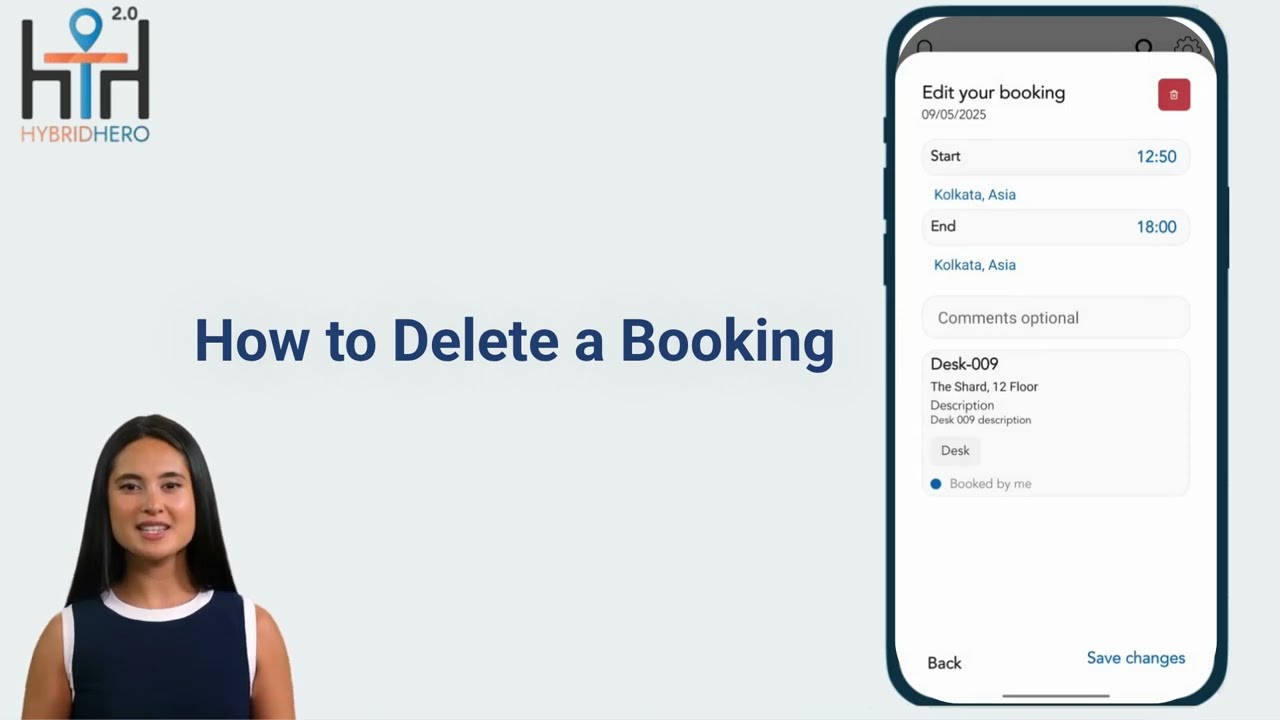
1. Navigate to the Home tab to view your active bookings, including the booking details and desk number.
2. Click on the pencil icon next to the desk number to access the editing options.
3. In the top-right corner of the editing screen, locate the red Delete icon and click on it.
4. Confirm the action in the pop-up window by selecting Delete.
Streamline your booking management with HybridHero’s features!
#hybridhero #BookingManagement #HybridWorkplace #WorkplaceEfficiency
Не удается загрузить Youtube-плеер. Проверьте блокировку Youtube в вашей сети.
Повторяем попытку...
Повторяем попытку...
Доступные форматы для скачивания:
Скачать видео
-
Информация по загрузке: