How to Set Up a Recovery Contact for Your Apple ID
Автор: HardReset.Info
Загружено: 2026-02-08
Просмотров: 20
Описание:
Learn how to add a recovery contact to your Apple ID on iPhone so a trusted person can help you regain access if you forget your password or get locked out. In this short step-by-step video we open Settings, tap your name (Apple ID), go to iCloud and scroll to Advanced → Account Recovery, confirm with your passcode, choose a contact and send an invitation. This simple process makes account recovery faster and more secure and is useful for anyone managing their Apple ID on an iPhone.
How to set up a recovery contact for Apple ID on iPhone?
How to add a recovery contact in iCloud Account Recovery on iPhone?
Where is the recovery contact setting for Apple ID on iPhone?
0:00 Introduction
0:08 Open Settings and tap your name (Apple ID)
0:18 Go to iCloud and scroll to Advanced
0:31 Open Account Recovery
0:39 Tap Recovery Contact
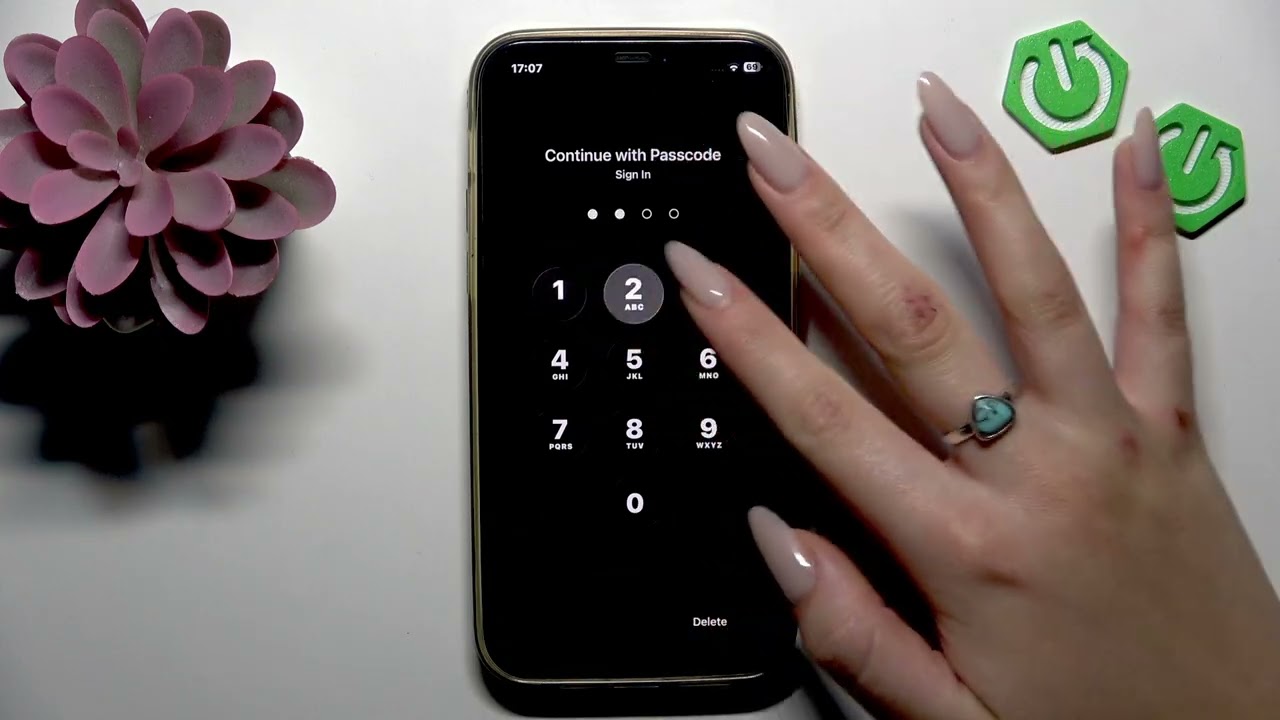
0:43 Confirm with passcode
0:52 Choose contact and send invitation
1:13 What the recovery contact must do / Wrap up
#iPhone #AppleID #AccountRecovery #iCloud
Find out more:
https://www.hardreset.info/devices/ap...
Follow us on Instagram ► / hardreset.info
Like us on Facebook ► / hardresetinfo
Tweet us on Twitter ► / hardreseti
Support us on TikTok ► / hardreset.info
Use Reset Guides for many popular Apps ► https://www.hardreset.info/apps/apps/
Повторяем попытку...
Доступные форматы для скачивания:
Скачать видео
-
Информация по загрузке: