ycliper

Популярное

Музыка Кино и Анимация Автомобили Животные Спорт Путешествия Игры Юмор

Интересные видео

2025 Сериалы Трейлеры Новости Как сделать Видеоуроки Diy своими руками

Топ запросов

смотреть а4 schoolboy runaway турецкий сериал смотреть мультфильмы эдисон
Скачать

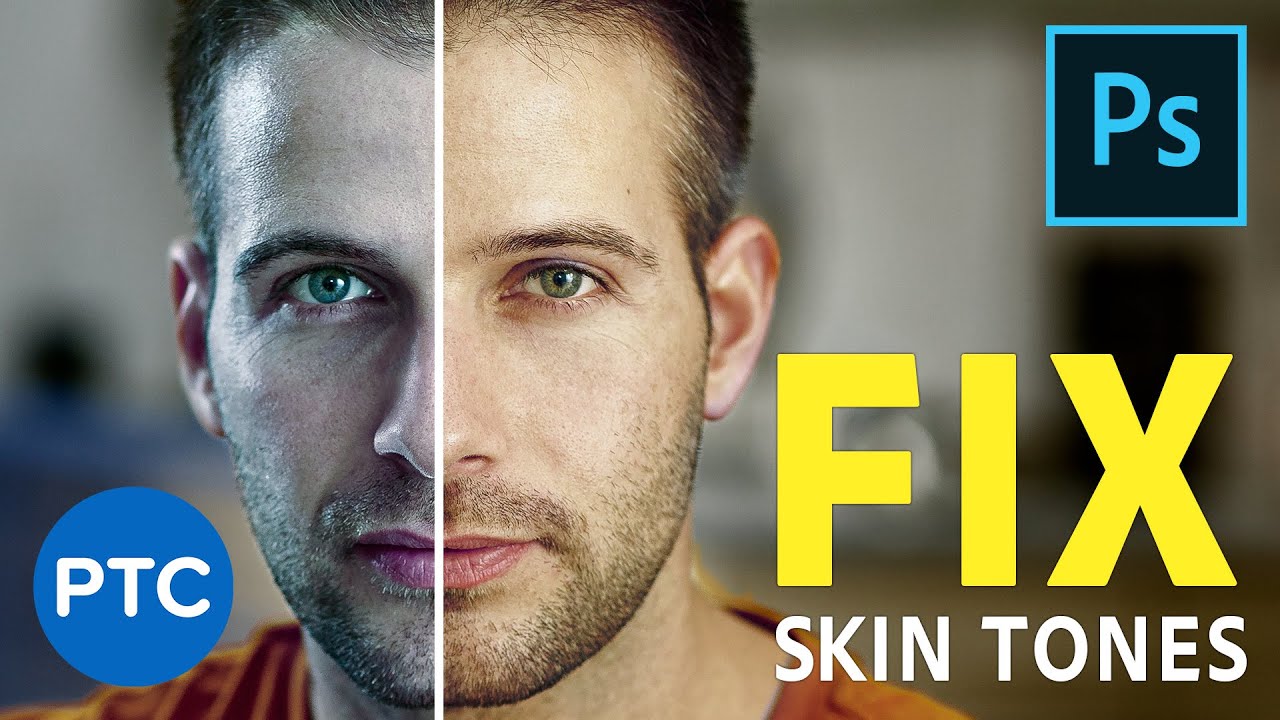
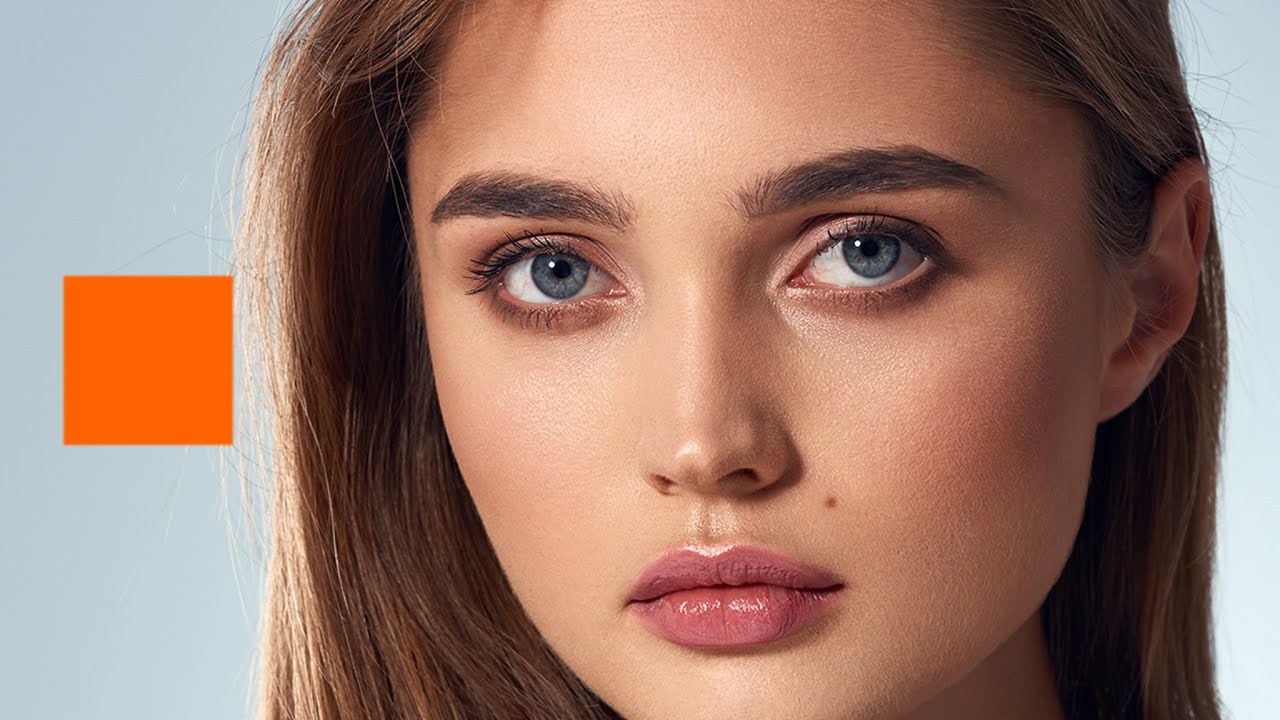
QUICKLY Fix Skin Tones in Photoshop! POWERFUL Photoshop Curves Adjustment Hack

Fix Skin Tones in Photoshop

Fix Skin Tones with One Button in Photoshop

How to Color Correct Skin in Photoshop

Code to Perfect Skin Tones in Photoshop

Equalize Skin Tones in Photoshop

Get Amazing Skin Tones In Photoshop

skin retouching

color correction photoshop

photoshop color correction

photoshop curves

curves in photoshop

skin retouching photoshop tutorial

skin tone photoshop

jesus ramirez

jrfromptc

photoshop training channel

photoshop tutorial

ptcvids

Автор: Photoshop Training Channel

Загружено: 2019-07-01

Просмотров: 161564

Описание: In this tutorial, you will learn how to Fix Skin Tones in Photoshop!

This powerful Photoshop trick will allow you to get perfect skin tones with just one click!

This trick will use an advanced sampling method. You will use the eyedropper tool in the Curves Adjustment Layer to apply a custom skin color sample to your portrait.

It may sound complicated, but with this technique, you will be able to color correct skin in just a few quick steps!

This is the perfect technique to use when you need to correct and fix skin tones, to dial in the perfect look for your portraits!

📘 INDEX - Fix Skin Tones in Photoshop!
00:00 - Introduction
01:35 - Organize the Photoshop Document
03:31 - Curves Eyedropper Explanation
04:45 - Custom Colors With The Curves Eyedropper
06:46 - Save the Free Skin Tone CC Library
07:31 - Apply a Skin Color Correction with One-Click!
08:44 - Fine-Tune the Skin Color Correction
10:26 - Using the Dark Skin Tone Color Swatches
12:08 - Control the Skin Tone Brightness
13:48 - Add a New Color Swatch To Your Library
14:25 - Compare the Final Skin Tone RGB Values

LINKS:

Vibrance vs Saturation
►    • The DIFFERENCE Between Vibrance and Satura...  

Smooth Skin in Photoshop
►    • Easily Smooth and Soften Skin In Photoshop...  

Create Skin Texture From Scratch
►    • Create a Highly Realistic SKIN TEXTURE in ...  

Free Skin Color CC Library
► https://photoshoptrainingchannel.com/...


Become an Adobe Stock Contributor:
► http://bit.ly/stock-contributor

PTC Newsletter:
► http://ptcvids.com/subscribe

Premium Tutorials:
► http://ptcvids.com/shop

Website:
► photoshoptrainingchannel.com


FOLLOW ME

Instagram:
►   / jrfromptc  

Facebook Group:
► http://ptcvids.com/group

Twitter:
►   / jrfromptc  

LinkedIn:
►   / jesusramirez9  


CREDITS
● Stock Images provided by stock.adobe.com
● Photoshop video tutorials by Jesus Ramirez

#PhotoshopTutorial #Photoshop #PTCvids

Не удается загрузить Youtube-плеер. Проверьте блокировку Youtube в вашей сети.
Повторяем попытку...
QUICKLY Fix Skin Tones in Photoshop! POWERFUL Photoshop Curves Adjustment Hack

Поделиться в:

Доступные форматы для скачивания:

Скачать видео

  • Информация по загрузке:

Скачать аудио

Похожие видео

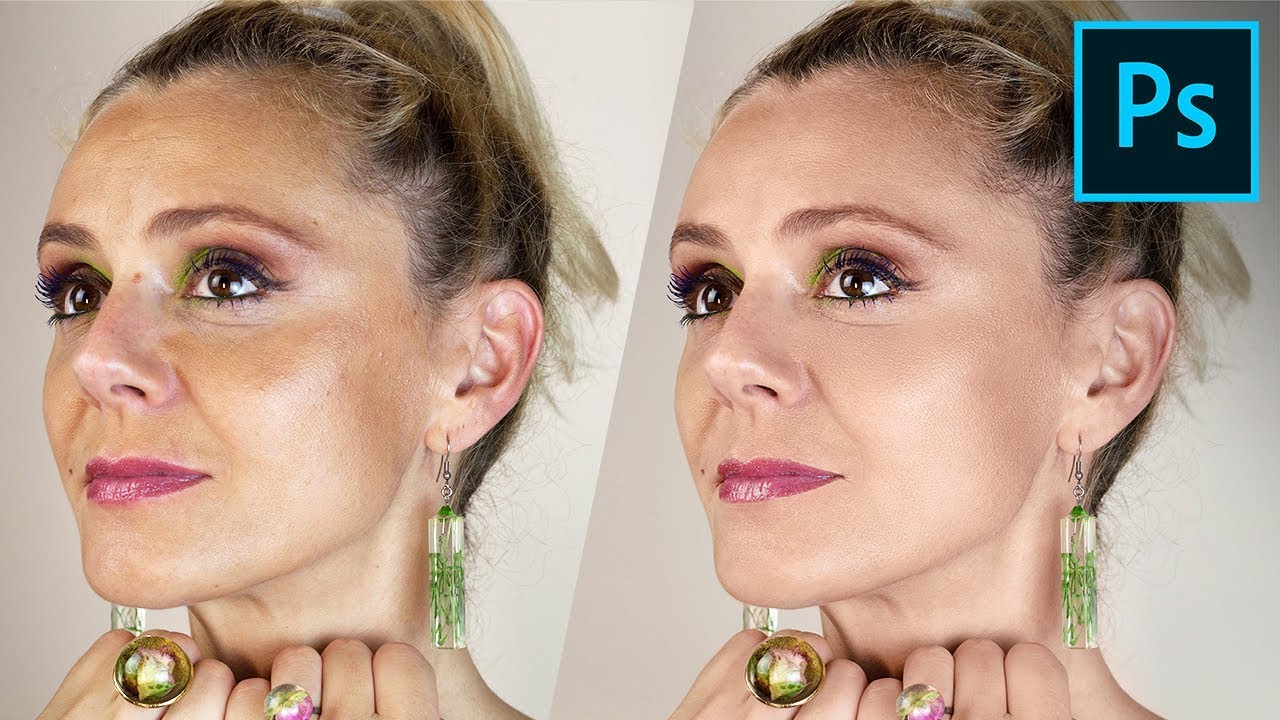
Equalize Skin Tones in Photoshop

Equalize Skin Tones in Photoshop

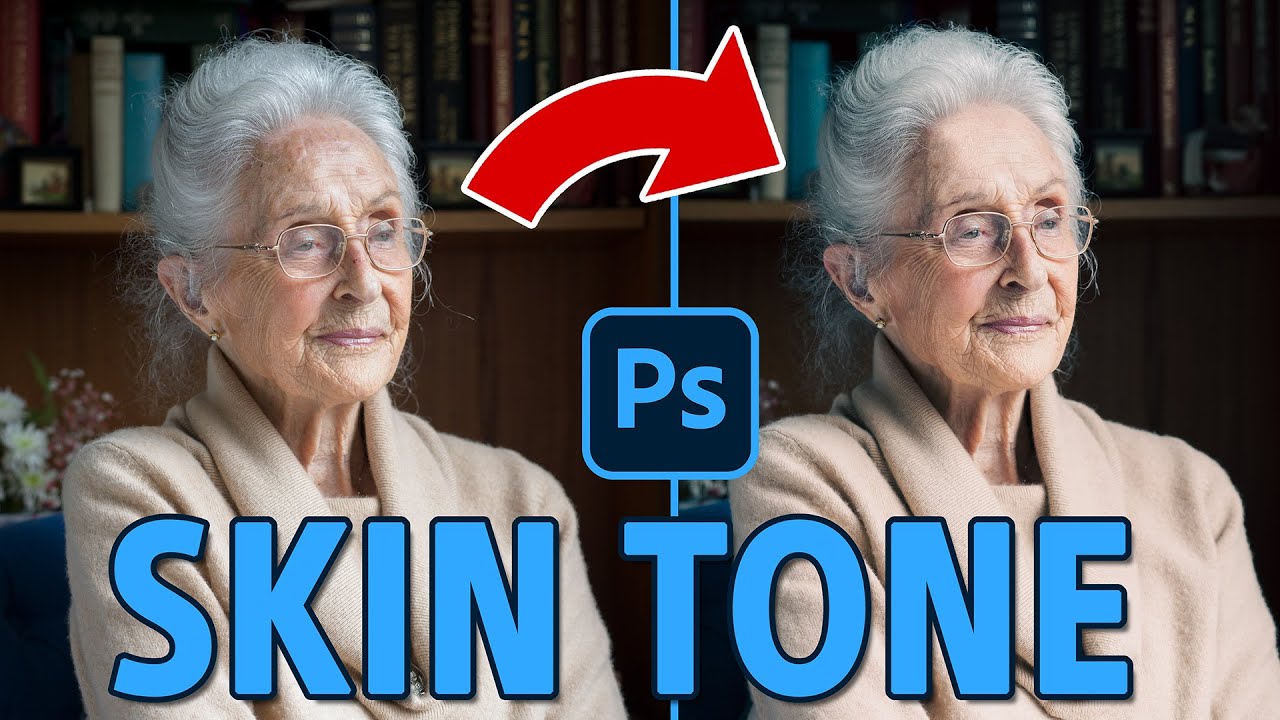
The Cheat Code to ALWAYS Get Perfect Skin Tones! - Photoshop

The Cheat Code to ALWAYS Get Perfect Skin Tones! - Photoshop

My first week with the Lumix S9

My first week with the Lumix S9

Easily Smooth and Soften Skin In Photoshop | High-End Retouching Techniques [FREE Action Included]

Easily Smooth and Soften Skin In Photoshop | High-End Retouching Techniques [FREE Action Included]

Flawlessly Remove Dark Eye Circles in Photoshop! [Pro Technique]

Flawlessly Remove Dark Eye Circles in Photoshop! [Pro Technique]

ПОПРОБУЙТЕ ЭТО 🔥 Как исправить тон кожи в Photoshop ... БЫСТРО (частотное разделение)

ПОПРОБУЙТЕ ЭТО 🔥 Как исправить тон кожи в Photoshop ... БЫСТРО (частотное разделение)

Easy Trick To Match SKIN TONES in Photoshop Fast!

Easy Trick To Match SKIN TONES in Photoshop Fast!

A Better Way To Match Specific Colors To Any Object In Photoshop!

A Better Way To Match Specific Colors To Any Object In Photoshop!

The Secret Code to PERFECT SKIN TONES in Photoshop

The Secret Code to PERFECT SKIN TONES in Photoshop

3 Ways to Sharpen Images in Photoshop (Beginner to Advanced)

3 Ways to Sharpen Images in Photoshop (Beginner to Advanced)

Cinematic Color Grading (MOVIE LOOK EFFECT) In Photoshop - Comprehensive Photoshop Tutorial

Cinematic Color Grading (MOVIE LOOK EFFECT) In Photoshop - Comprehensive Photoshop Tutorial

Skin Tones in Portraits: Canon vs Sony and How to Correct

Skin Tones in Portraits: Canon vs Sony and How to Correct

Best way to Adjust Skin Tones in Photoshop

Best way to Adjust Skin Tones in Photoshop

2 Little-Known Filters to Remove White Edges (Fringing) from Cut-Outs in Photoshop

2 Little-Known Filters to Remove White Edges (Fringing) from Cut-Outs in Photoshop

How To Change The Color of ANYTHING In Photoshop | Select and Change ANY Color

How To Change The Color of ANYTHING In Photoshop | Select and Change ANY Color

Il TRUCCO per ottenere una Tonalità della Pelle PERFETTA in Photoshop CC

Il TRUCCO per ottenere una Tonalità della Pelle PERFETTA in Photoshop CC

How To Match a Subject Into ANY Background In Photoshop! Compositing Tutorial

How To Match a Subject Into ANY Background In Photoshop! Compositing Tutorial

ERASE Blotchy Skin with High-End Retouching Trick! - Photoshop Tutorial

ERASE Blotchy Skin with High-End Retouching Trick! - Photoshop Tutorial

Quick and Easy Skin-Tone Copying in Photoshop under 1-Minute

Quick and Easy Skin-Tone Copying in Photoshop under 1-Minute

Как изменить цвет кожи в Photoshop

Как изменить цвет кожи в Photoshop

© 2025 ycliper. Все права защищены.


  • Контакты
  • О нас
  • Политика конфиденциальности


Контакты для правообладателей: [email protected]