Sketch: How to Batch Rename Multiple Selected Layers
Автор: SketchApp Dojo
Загружено: 2020-04-09
Просмотров: 112
Описание:
Layer names can get a bit messy as we design.
One way to better manage the naming of multiple layers is by using a plugin called Rename It (https://rodi01.github.io/RenameIt/)
In this example, we explore two methods:
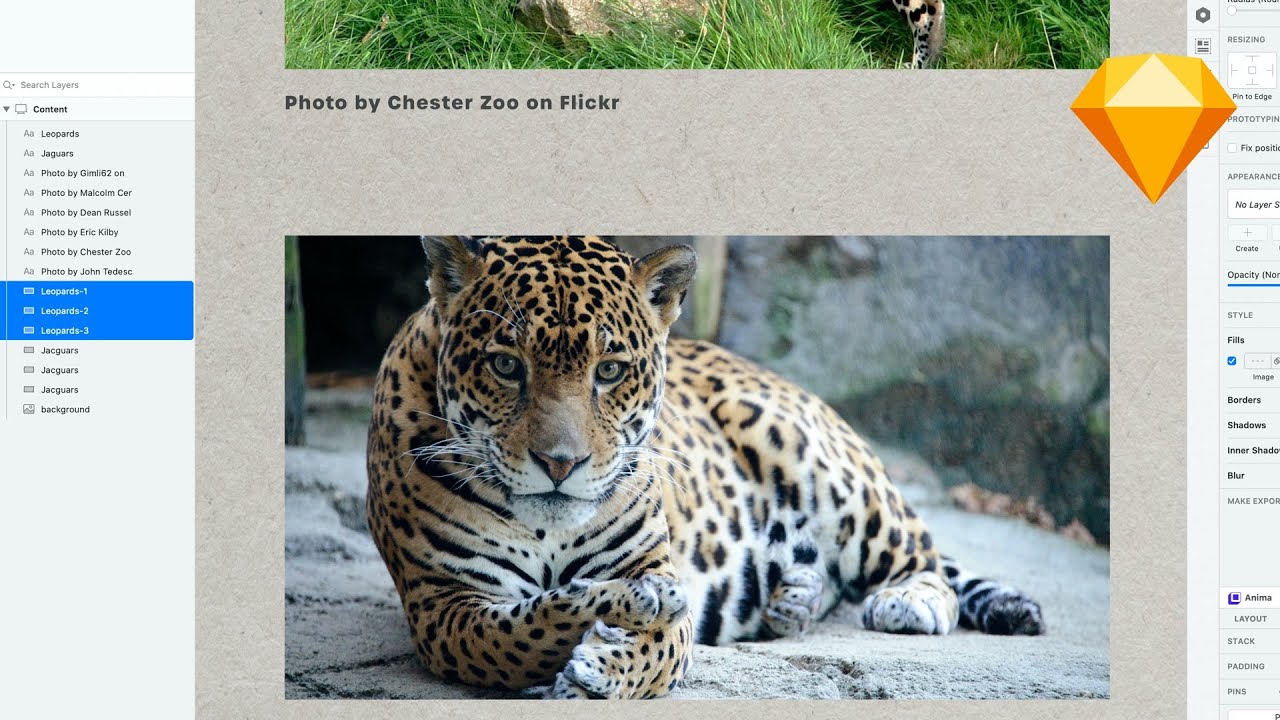
1. Batch rename multiple selected layers
2. Batch rename multiple selected layers and append an index to it
Here's how it works:
1. Select all the layers or art-boards you want to quickly rename.
2. Launch SketchRunner and Search for Rename Selected Layers or Art-boards and Run the Plugin!
η = 👑
#sketchapp #Sketchplugin #EfficiencyisKing #SketchAppDojo
Credit where credit's due:
Music by BenSound.com
https://www.bensound.com/royalty-free...
https://www.bensound.com/royalty-free...
Повторяем попытку...
Доступные форматы для скачивания:
Скачать видео
-
Информация по загрузке: