Видео с ютуба Iechost

IECHost firmware update process for macOS explained

Nibbling a disk with IECHost and a 1571 drive (update)
Nibbling a disk with IECHost and a 1571 drive

IECHost whole track dumping

IECHost GUI client 3.4: preview of changes

IECHost GUI client: detecting side B of a 1571 disk

IECHost GUI client: sector navigation
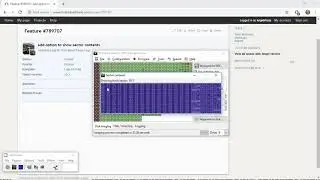
IECHost GUI client: sector viewer

IECHost GUI client: adding a directory listing scrollbar
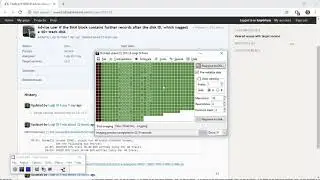
IECHost GUI client: advising on disks that use tracks beyond 35

IECHost GUI client: block allocation details

IECHost: a new and faster way to inspect damaged Commodore DOS disks

IECHost GUI client: BAM-based preservation of 8-bit disks using a Commodore 1541 drive
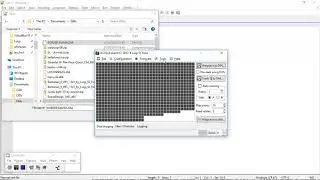
IECHost GUI client specialized preservation of disks using a Commodore 1541 drive

IECHost GUI client 40-track disk restoration with a Commodore 1541 floppy drive

IECHost GUI client preservation of 8-bit 40-track disks with a Commodore 1541 drive

IECHost GUI client mass preservation mode for 8-bit disks with a Commodore 1541 drive

IECHost GUI client 8-bit Commodore 40-track disk support demonstration

IECHost firmware update process explained

How to format a floppy disk in under 20 seconds with IECHost and a Commodore 1541 drive